
Compress Image to 150KB Online Free - Bulk Compressor Tool
- No watermarks
- No Registration
- No Signup
- Universal compatibility
- Instant ZIP Download
- 100% Private: Browser-Only Processing
Welcome to Bulk Image Compressor
Drag & Drop your images here or click to select files
✨ Supports: JPG, PNG, WebP, AVIF, BMP, SVG, GIF, HEIC
How to Compress Image to 150KB in 3 Easy Steps
Our free image compressor makes it simple to reduce image size to 150KB or less. Follow these steps:
Step 1: Upload Your Images
Select or drag-and-drop your JPG, PNG, WebP, AVIF, BMP, SVG, GIF, or HEIC files. Our bulk image compressor handles multiple files simultaneously.
Step 2: Automatic Compression to 150KB
Our tool automatically compresses images to 150KB while preserving quality. Watch real-time progress as each file processes.
Step 3: Download Compressed Files
Download files individually or as a ZIP archive. All processing happens in your browser—no uploads, complete privacy guaranteed.
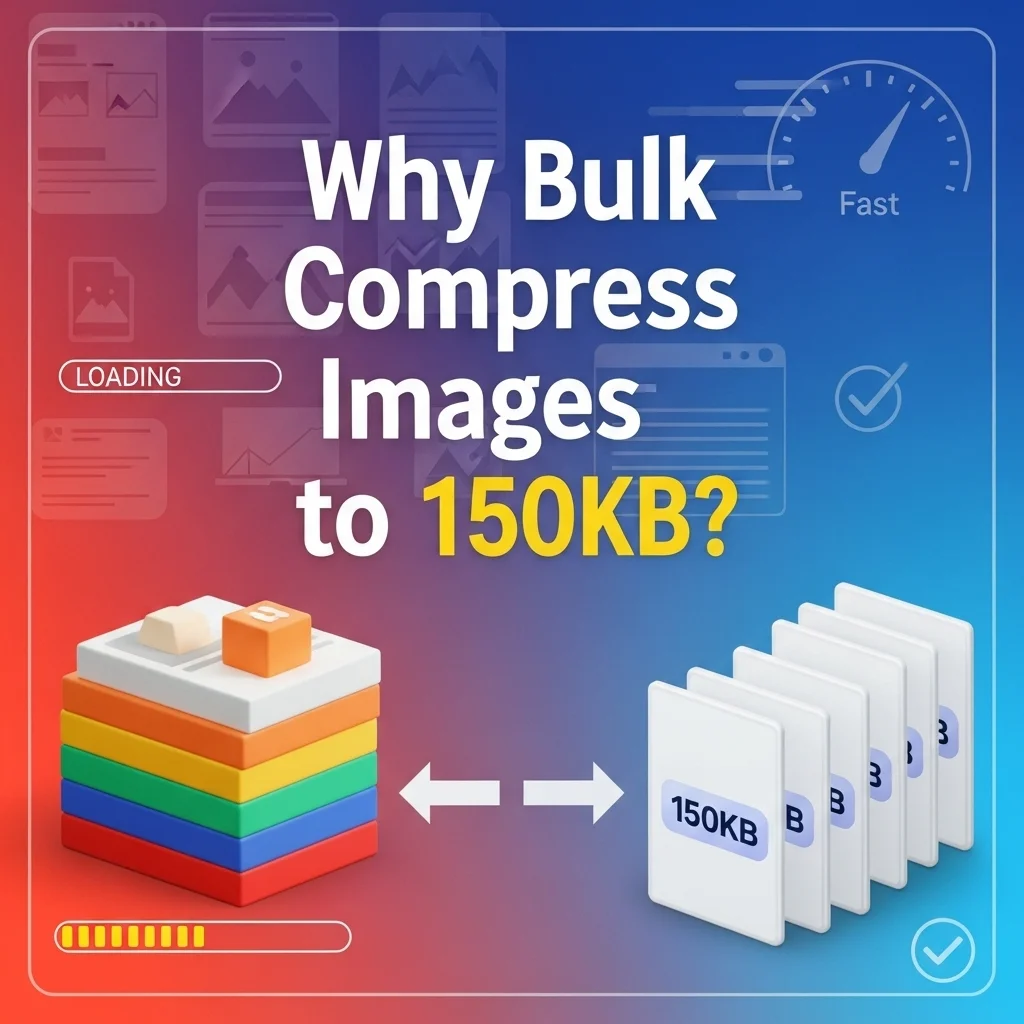
Why Compress JPEG to 150KB? Key Benefits Explained
When you compress image to 150KB, you unlock multiple advantages for web performance and file management:
Faster Website Loading Times
150KB images load almost instantly, even on mobile networks. This file size reduces bandwidth consumption and improves Core Web Vitals scores, directly impacting your SEO rankings.
Meet Upload Requirements
Many platforms enforce strict size limits. Job portals, government forms, and admission systems often require images under 150KB. Our free image compressor 150KB ensures compliance.
Email-Friendly File Sizes
Reduce image size to 150KB for hassle-free email attachments. Compressed files send faster and don’t trigger attachment size warnings.
Bulk Processing Efficiency
Our bulk image compressor processes unlimited files simultaneously, saving time when you need to compress multiple images to 150KB for websites, presentations, or social media.
Key reasons to bulk compress to 150KB:
Ideal for Job Applications and Forms
Government portals, job applications, and university admissions often require specific file sizes. Compress JPEG to 150KB online to meet these requirements without manual resizing or quality concerns.
Social Media and Profile Pictures
Profile pictures load faster when compressed to 150KB. LinkedIn, Facebook, and professional platforms recommend this size for optimal display quality and quick loading across all devices.
SEO and Performance Optimization
Search engines favor fast-loading pages. When you reduce image size to 150KB for web use, you improve page speed metrics, reduce bounce rates, and enhance user experience—all critical SEO ranking factors. Google's Core Web Vitals guidelines emphasize image optimization as a key performance indicator that directly impacts search rankings.
Compress Multiple Images to 150KB: Bulk Processing Features
Save time with our bulk image compressor that handles unlimited files:
- Unlimited Files: Process as many images as needed without restrictions
- Mixed Formats: Compress JPEG, PNG, and WebP files in one batch
- ZIP Download: Get all compressed files in a single convenient archive
- Custom Sizes: Switch between 20KB, 50KB, 100KB, 150KB, 200KB, and 500KB
- Browser-Based: No software installation, no uploads, complete privacy
Whether you’re optimizing website images, preparing files for job applications, or reducing image size for email campaigns, our free image compressor 150KB delivers professional results instantly.
Free Image Compressor vs Original Files: Quality Comparison
Understanding the trade-off when you compress image to 150KB helps you make informed decisions about file optimization.

Original Uncompressed Images:
Original files range from 1MB to 10MB+, offering maximum detail but creating performance issues. Large files slow website loading, consume excessive bandwidth, and make email sharing difficult.
Compressed to 150KB Images:
Our bulk image compressor reduces files by 85-95% while maintaining visual quality. The 150KB size is optimal for web use, email, and forms—balancing clarity with performance.
When to Use 150KB Compression:
Perfect for web galleries, email attachments, job applications, social media posts, product listings, and any scenario requiring fast loading without noticeable quality loss. Use our free image compressor 150KB tool for instant optimization.
Best Practices:
For professional printing or archival purposes, keep original files. For all online uses, compress JPEG to 150KB online to ensure optimal performance and user experience. Following Google’s image optimization best practices, our tool maintains visual quality while achieving significant file size reduction, ensuring your images meet modern web standards without sacrificing clarity.
Frequently Asked Questions (FAQ)
Is this bulk compressor free?
Yes, completely free with no limits or watermarks.
Can I compress multiple files at once?
Yes, upload and bulk compress multiple images simultaneously. Download as individual files or one ZIP.
How does your bulk image compressor work?
Our tool compresses images directly in your browser using advanced algorithms. Upload multiple files, and the bulk image compressor processes them simultaneously. All files stay on your device—nothing uploads to servers, ensuring complete privacy and security.
What file formats can I compress to 150KB?
You can compress JPEG, JPG, PNG, WebP, AVIF, BMP, SVG, GIF, and HEIC images to 150KB. Our free image compressor 150KB supports all major formats with consistent quality output.
Will quality be affected?
Our smart compression algorithm maintains visual quality while reducing file size to 150KB. Minor quality loss may occur for very high-resolution images, but results remain clear and usable.
What if my image is already under 150KB?
The tool will optimize it further if possible, or leave it as-is if already at optimal compression.
Are my files stored?
No, all files are processed in your browser and immediately deleted. We never store or access your images.