
Amazon Image Resizer Free - Bulk 2000×2000 Tool for Sellers
Resize Images for Amazon 2000×2000 to Meet Requirements
Transform your product photos instantly with our free Amazon image resizer. Bulk upload multiple images and resize to exactly 2000×2000 pixels in seconds. Our tool ensures every product image meets Amazon zoom image requirements, enabling critical zoom functionality that drives higher conversion rates. Perfect for sellers managing large catalogs.
- No watermarks
- No Registration
- No Signup
- Universal compatibility
- Instant ZIP Download
- 100% Private: Browser-Only Processing
Welcome to Bulk Image Resizer
Drag & Drop your images here or click to select files
✨ Supports: JPG, PNG, WebP, AVIF, BMP, SVG, GIF, HEIC
All processing happens in your browser. Please keep backup copies of your original files — we are not responsible for any file loss or conversion issues.
Welcome to Bulk Image Resizer
Drag & Drop your images here or click to select files
✨ Supports: JPG, PNG, WebP, AVIF, BMP, SVG, GIF, HEIC

How to Bulk Resize Amazon Product Images in 3 Steps
Step 1: Upload Your Images
Drag and drop your product photos or click to browse. Supports JPG, PNG, WebP, AVIF, BMP, GIF, and HEIC formats.
Step 2: Automatic Conversion
Our bulk Amazon product image resizer instantly processes all images to 2000×2000 pixels, maintaining perfect quality and 1:1 aspect ratio.
Step 3: Download and Upload
Get files individually or as a single ZIP. Upload directly to Amazon Seller Central and start selling.
Why Amazon Requires 2000×2000 Pixels for Product Images
Understanding Amazon’s image size requirements is essential for seller success. The 2000×2000 pixel standard directly impacts listing performance, customer trust, and conversion rates. This resolution unlocks Amazon zoom image requirements, allowing shoppers to examine product details closely.
Key reasons to bulk resize for Amazon Product:
Meets Amazon's Technical Image Requirements
Amazon requires product images to be at least 1000 pixels on the longest side to enable zoom functionality, but 2000×2000 pixels is the industry-recommended standard. This size ensures your images display perfectly across all devices while maintaining the required 1:1 aspect ratio for professional presentation. For complete specifications, consult Amazon’s official image requirements documentation.
Enables Critical Zoom Functionality for Higher Sales
The Amazon 1000 pixel zoom requirement is your minimum threshold, but exceeding it with 2000×2000 images provides superior zoom quality. When customers can closely inspect product details, purchase confidence increases dramatically. This zoom functionality has been proven to reduce returns and increase conversion rates significantly.
Boosts Conversion Rates and Amazon Search Ranking
High-resolution images improve customer experience, leading to measurably higher engagement. Amazon’s A10 algorithm rewards listings with strong performance metrics by improving search visibility. Properly sized images at 2000×2000 pixels help you rank higher and convert browsers into buyers more effectively. Learn more about Amazon zoom functionality and conversion data.

Free Amazon Listing Image Tool - Bulk Processing Benefits
Our free Amazon listing image tool processes unlimited images simultaneously, eliminating hours of manual work. Upload your product photos in any format, select the 2000×2000 preset, and download all resized images as individual files or a ZIP archive.

Why sellers choose our bulk tool:
- Save Time: Process 100+ images in under 5 minutes
- Maintain Quality: Automatic optimization preserves image clarity
- Stay Compliant: Ensures all images meet Amazon zoom image requirements
- Zero Cost: Completely free with no usage limits or watermarks
- Privacy First: All processing happens in your browser
2000×2000 vs Original Size - Understanding the Difference
When choosing to bulk resize to 2000×2000 pixels for Amazon products, it’s important to understand the trade-offs between platform optimization and original quality.
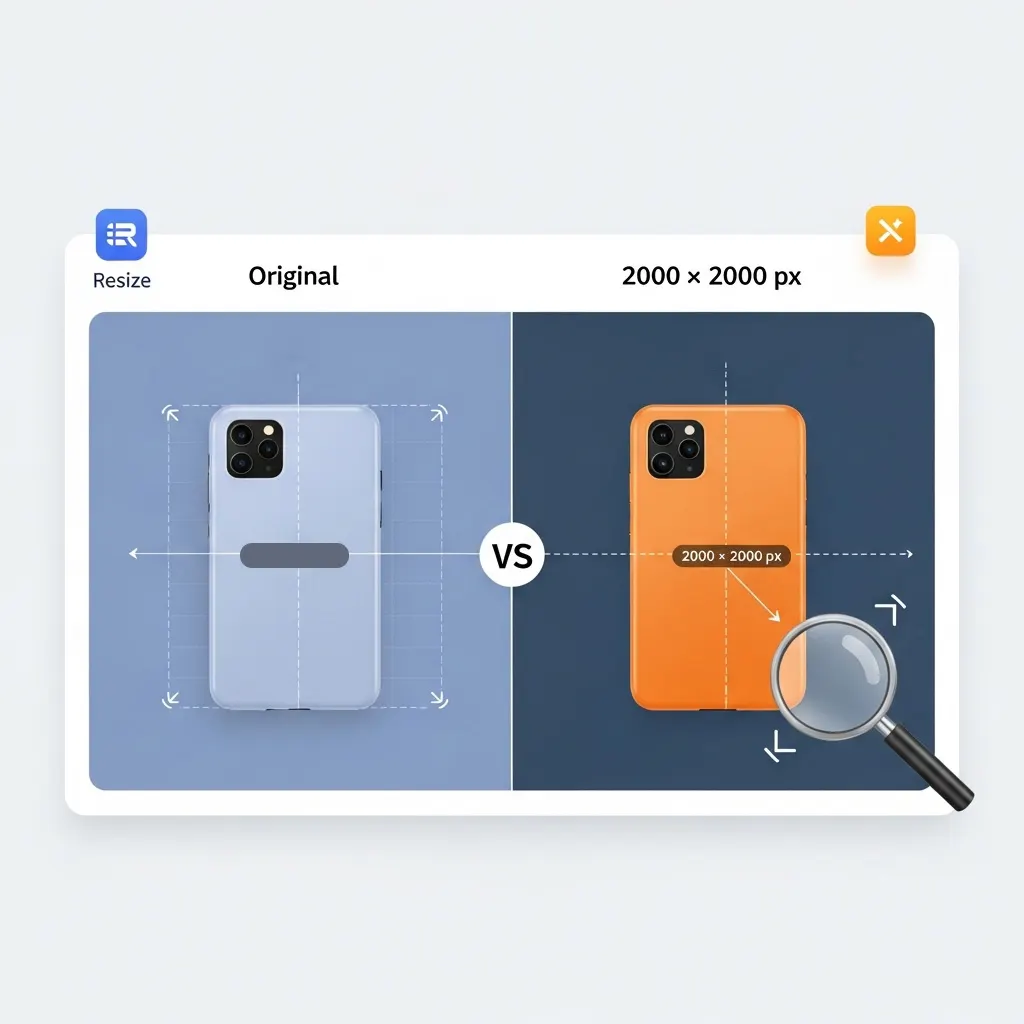
Original Image (Uncompressed)
Advantages:
- Maximum detail preservation
- Suitable for print materials
- Archival quality backup
Disadvantages:
- Large file sizes (1MB-10MB+)
- May not meet Amazon specifications
- Slower upload and page loading times
- Possible cropping or distortion on listings
Best for: Professional photography archives, print materials, future-proofing
Best for: Professional photography archives, print materials, future-proofing
Resized to 2000×2000 Pixels
Advantages:
- Enables Zoom: Meets 1000 pixel minimum and exceeds it for premium quality
- Optimized Display: Perfect fit across desktop, mobile, and tablet
- Faster Performance: Smaller file sizes improve page load speed
- Better Ranking: Proper sizing supports higher search visibility
- Consistent Catalog: Professional 1:1 aspect ratio across all listings
- Higher Conversions: Zoomable images build customer confidence
Disadvantages:
- Slight detail reduction compared to uncompressed originals
- Not suitable for large-format printing
Best for: Amazon product listings, marketplace optimization, professional seller catalogs
Amazon Product Image Requirements: Complete Quick Reference
Understanding Amazon’s image guidelines before you upload can save hours of rework. Whether you’re a first-time seller or managing hundreds of SKUs, this free Amazon listing image tool keeps you compliant without guesswork.
Main Product Image Rules
The main image (also called the hero image) has the strictest rules. It must show the product on a pure white background (RGB 255, 255, 255), with no text overlays, watermarks, borders, or additional objects. The product must fill at least 85% of the image frame. Meeting Amazon zoom image requirements means your longest side should be at least 1000 px — but 2000×2000 px is the recommended standard for activating the full zoom experience on high-density displays.
Secondary and Lifestyle Image Rules
Secondary images (positions 2–9) give you creative freedom. You can use lifestyle photography, infographics, size charts, and comparison images. These still need to meet the minimum 1000 px requirement on the longest side. Resizing images for Amazon 2000×2000 applies here too — sharper secondary images keep customers engaged longer and reduce the likelihood of returns caused by unclear product details.
Accepted File Formats
Amazon accepts JPEG, PNG, GIF, and TIFF formats, though JPEG is strongly preferred for its smaller file size and broad compatibility. The maximum file size per image is 10 MB. Our bulk Amazon product image resizer outputs clean JPEG files that are optimised for fast uploading to Seller Central while preserving colour accuracy and fine detail.
Quick Reference Table:
| Attribute | Minimum Requirement | Recommended |
|---|---|---|
| Image dimensions | 500 × 500 px | 2000 × 2000 px |
| Zoom activation | 1000 px (longest side) | 2000+ px (longest side) |
| Aspect ratio | 1:1 (square) | 1:1 (square) |
| File format | JPEG, PNG, GIF, TIFF | JPEG |
| Max file size | — | Under 10 MB |
| Main image background | Pure white (RGB 255,255,255) | Pure white (RGB 255,255,255) |
Who Benefits from a Bulk Amazon Product Image Resizer?
Sellers across every category and scale face the same image preparation challenge. This free Amazon listing image tool is built to solve it for all of them.
Private Label Sellers Launching New Products
When launching a new ASIN, you typically have between 7–9 image slots to fill. Using a bulk Amazon product image resizer means you can prepare all your main and supporting images in one batch, ensuring every file hits the 2000×2000 px mark before your first upload — no need to resize images one by one.
Wholesale and Arbitrage Sellers with Large Catalogues
If you’re managing dozens or hundreds of product listings, individual resizing simply isn’t viable. Batch processing lets you drop an entire folder of product photos and receive a ZIP archive of correctly sized, Amazon-ready files within seconds. This is where the Amazon image resizer free of charge pays the biggest dividend — cutting what could be hours of manual work down to a single step.
Agencies and Virtual Assistants Managing Multiple Accounts
Freelancers and agencies handling Amazon product photography or listing optimisation for clients need a reliable, repeatable workflow. Since this tool requires no registration and leaves no watermarks, it fits seamlessly into any professional image preparation pipeline without adding subscription costs to the client’s bill.
Brands Re-Optimising Existing Listings
Many established sellers uploaded images years ago, before Amazon tightened its Amazon zoom image requirements. If your current product photos are below 1000 px or lack the crispness that 2000×2000 px resolution provides, running them through this resizer is a quick win that can immediately improve click-through rate from search results and on-page conversion.
Tips for Getting the Best Results When You Resize Images for Amazon
Start with the Highest-Resolution Source File Available
Resizing always works best when you start large and scale down, rather than scaling up a small image. If your product photos were shot at 4000 px or higher, resize images for Amazon 2000×2000 and you’ll retain excellent sharpness. Upscaling a 600 px image to 2000 px will produce a blurry result regardless of the tool used.
Use PNG for Images with Transparent or White Backgrounds
If your photographer delivered images with a transparent background that you’re converting to white, upload the PNG version to preserve clean edges before converting to JPEG. Our tool handles PNG input natively, so the workflow is seamless.
Check Colour Accuracy After Resizing
Subtle colour shifts can occur during format conversion. After downloading your resized files, do a quick visual check against the originals — especially for products where colour is a key purchase factor, such as clothing, paint, or cosmetics.
Keep a Backup of Original Files
Always retain your full-resolution originals in a separate folder. Amazon occasionally updates its image specifications, and having uncompressed source files means you can re-export at any future size without quality loss.
Frequently Asked Questions (FAQ)
Is this bulk Amazon product image resizer free to use?
Yes, our tool is completely free with no hidden costs. You can resize unlimited images without any registration, watermarks, or payment required. Process single images or bulk batches instantly.
What are Amazon's zoom image requirements?
Amazon requires images to be at least 1000 pixels on the longest side to enable zoom. However, 2000×2000 pixels or larger provides optimal zoom quality and customer experience. Images below 1000 pixels cannot be zoomed, significantly reducing conversion rates.
How many images can I resize at once?
Upload and process unlimited images simultaneously. Drag and drop your entire product catalog, and all images will be resized to 2000×2000 pixels in seconds. Download individually or as a single ZIP.
What image formats are supported?
All major formats including JPG/JPEG, PNG, WebP, AVIF, GIF, BMP, HEIC, and TIFF. Upload any format and the tool automatically optimizes for Amazon’s requirements.
Is my image data safe and private?
Absolutely. All processing happens in your browser—images never upload to external servers. Your files remain completely private and are automatically cleared after processing.