
Compress Image to 50KB Instantly - Free Bulk Compressor
Reduce image size to exactly 50KB or less with our smart compression tool
Compress JPEG, PNG, WebP, and more to 50KB instantly. Upload single or multiple images and get perfectly optimized files in seconds. All processing happens in your browser – no uploads, no registration required.
- Bulk Processing
- Download as ZIP or Individual
- 100% Private
- No Limits
- Smart Optimization
Welcome to Bulk Image Compressor
Drag & Drop your images here or click to select files
✨ Supports: JPG, PNG, WebP, AVIF, BMP, SVG, GIF, HEIC
All processing happens in your browser. Please keep backup copies of your original files — we are not responsible for any file loss or conversion issues.
Welcome to Bulk Image Resizer
Drag & Drop your images here or click to select files
✨ Supports: JPG, PNG, WebP, AVIF, BMP, SVG, GIF, HEIC
How to Compress Image to 50KB Online - Step by Step

Step 1: Upload Your Images
Drag and drop your image files or click to browse. Our tool lets you compress image to 50KB from formats like JPEG, PNG, WebP, AVIF, BMP, SVG, GIF, or HEIC.Upload single or multiple images for bulk compression.
Step 2: Automatic Compression
Our free tool to compress image to 50KB instantly processes your files using smart algorithms. The system automatically adjusts quality to hit the 50KB target while preserving visual clarity.
Step 3: Download Compressed Files
Get your compressed images individually or download all as a ZIP file. Each image is optimized to exactly 50KB or less, ready for immediate use.
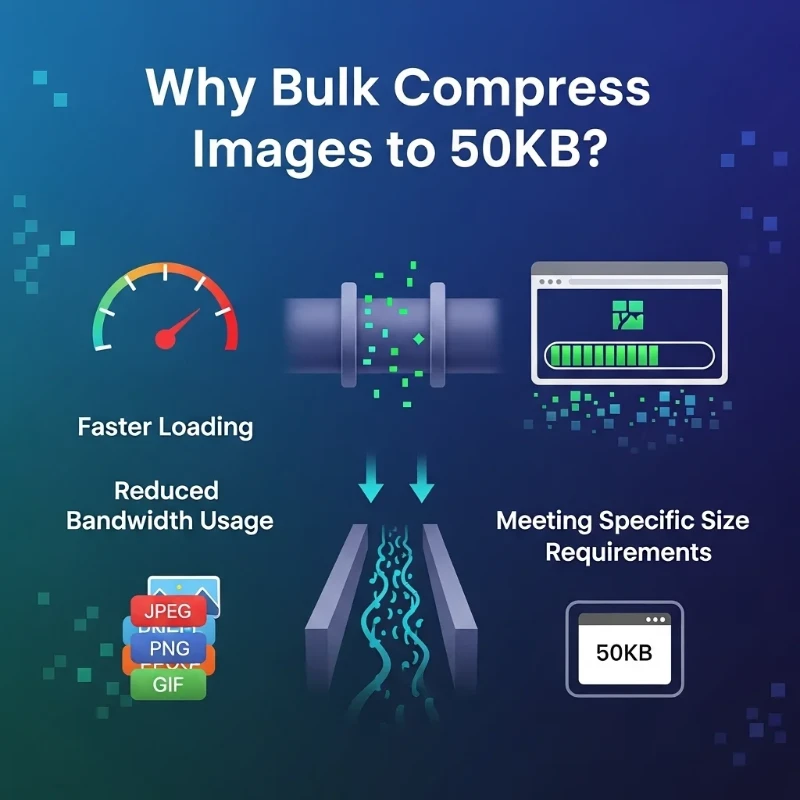
Why Bulk Compress Images to 50KB?
When you compress image to 50KB, you get the perfect balance between file size and quality for most online uses. Here’s why this size matters:
Key reasons to bulk compress to 50KB:
Fast Loading Times:
A 50KB image loads almost instantly, even on slower connections. This improves website performance and user experience without sacrificing visual quality, directly impacting Core Web Vitals scores.
Email-Friendly Size:
Most email providers handle 50KB attachments smoothly. When you reduce image size to 50KB, you ensure your photos reach recipients without delivery issues or bounce-backs.
Storage Efficiency:
Smaller files mean more storage space. Whether you’re managing a website, cloud storage, or local drive, 50KB images let you store thousands more photos without upgrading.
Platform Compatibility:
Many platforms recommend or require images under 50-100KB. When you compress image to 50KB, it works perfectly for social media profiles, forum avatars, and web thumbnails.
Bandwidth Savings:
For websites serving millions of images, reducing each file to 50KB dramatically cuts bandwidth costs and speeds up page delivery across all devices.
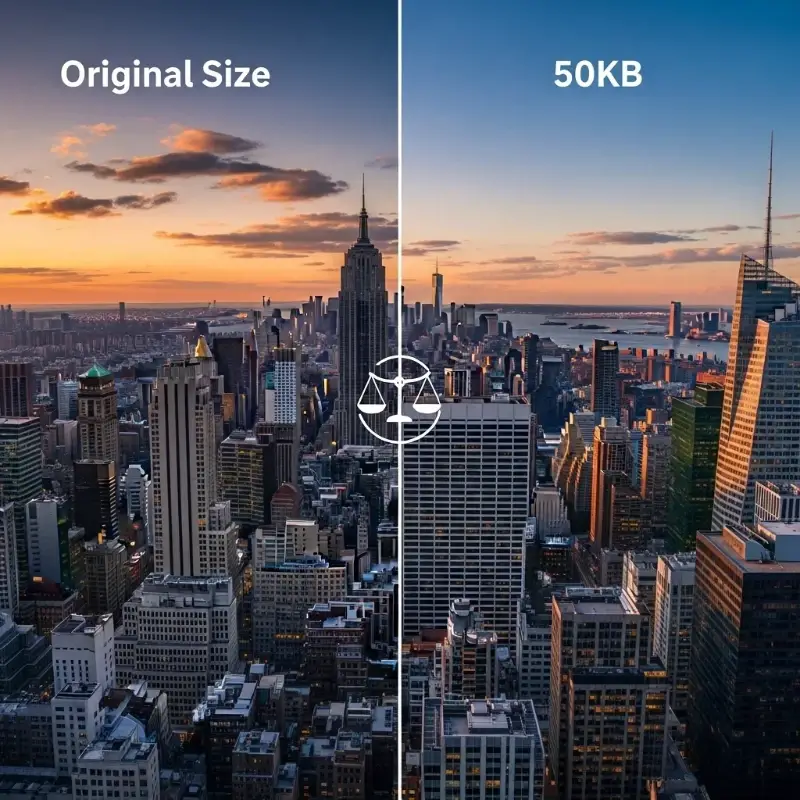
50KB vs Original Size: Understanding the Difference
When you compress image to 50KB online, understanding what you gain and lose helps you make better decisions.
Size Reduction:
Original photos typically range from 2MB to 10MB. Compressing to 50KB means reducing file size by 95-99%, making images 40-200 times smaller.
Visual Quality:
Modern compression maintains excellent quality at 50KB for images under 1200px width. You’ll notice minimal difference for web display, social media, or email attachments.
Resolution Impact:
The tool adjusts both compression and dimensions if needed. A 4000x3000px photo might become 800x600px at 50KB, but this is ideal for online use where full resolution isn’t needed.
When 50KB Works Best:
- Profile pictures and avatars
- Email signature images
- Blog post thumbnails
- Product gallery previews
- Social media uploads (where platforms compress anyway)
When to Choose Larger Sizes:
- Print materials → Try our 500KB compressor
- High-detail product photos → Use 200KB compression
- Photography portfolios → Consider 100KB option
Supported Formats for 50KB Compression
Looking to compress image to 50KB? Our free tool handles all major image formats:

JPEG/JPG:
Best for photos and complex images. JPEG compression to 50KB maintains excellent quality due to the format’s efficient algorithm.
PNG:
Ideal for graphics with transparency. While PNG files are typically larger, our tool intelligently compresses them to 50KB without losing transparency.
WebP:
Modern format offering superior compression developed by Google. WebP files at 50KB often look better than equivalent JPEG images thanks to advanced encoding algorithms.
AVIF:
Next-generation format with even better compression. AVIF at 50KB delivers exceptional quality for supported browsers.
Other Formats:
BMP, SVG, GIF, and HEIC are also supported. The tool automatically converts and optimizes to the best output format.

Key Features of Our 50KB Image Compressor
Bulk Processing
Upload and compress multiple images to 50KB simultaneously. Process 10, 50, or 100+ images in one batch. Download everything as a single ZIP file for convenience.
Smart Optimization
Advanced algorithms detect image content (sky, gradients, faces) and apply optimal compression. This preserves important details while aggressively reducing file size.
Browser-Based Privacy
All compression happens in your browser. Your images never touch our servers, ensuring complete privacy and security for sensitive photos or documents.
No Restrictions
No watermarks, no signup, no file limits. Compress as many images as you need, whenever you need. Completely free forever.
Instant Results
Compression takes seconds, not minutes. Upload, process, download – the entire workflow completes in under 30 seconds for most images.
When to Use 50KB vs Other Sizes
Choosing the right target size depends on your specific needs:
Use 50KB When:
- Creating email attachments
- Uploading profile pictures
- Building fast-loading websites
- Sharing photos in messaging apps
- Meeting strict size requirements
Consider 20KB When:
- Maximum speed is critical
- Very simple graphics or icons
- Extremely limited bandwidth Compress to 20KB →
Consider 100KB When:
- More detail preservation needed
- Larger display dimensions required
- Moderate quality is acceptable Compress to 100KB →
Consider 200KB+ When:
- High-quality previews needed
- Print-ready files required
- Professional photography use View all size options →
Tips for Best Results When Compressing to 50KB
Start with High-Quality Originals:
Better source images compress more cleanly. A sharp 2000px photo compresses to 50KB better than a blurry 800px image.

Choose Appropriate Dimensions:
Images around 800-1200px wide compress well to 50KB. Extremely large dimensions (4000px+) may require more aggressive quality reduction.
Use JPEG for Photos:
When you compress JPEG to 50KB, the format’s natural efficiency maintains better quality than PNG for photographic content.
Try WebP for Best Quality:
According to Google’s WebP documentation, WebP format often delivers 20-30% better visual quality at the same 50KB size compared to JPEG.
Batch Similar Images:
When bulk compressing, group similar images (all portraits, all landscapes) for more consistent results.
Frequently Asked Questions (FAQ)
Can I compress images to exactly 50KB? Y
Yes. When you compress image to 50KB using our tool, it targets exactly 50KB or slightly less. Most compressed images land between 48-50KB, ensuring they meet strict size requirements.
Does compression reduce image quality?
Some quality reduction occurs, but it’s minimal at 50KB for web-sized images. The tool balances size and quality automatically for best visual results.
Can I compress multiple images at once?
Absolutely. Upload as many images as needed. You can compress image to 50KB in bulk – the tool processes all files simultaneously and lets you download everything as a ZIP.
What's the maximum file size I can upload?
There’s no hard limit. However, very large files (50MB+) may take longer to process in your browser. Most images compress within seconds.
Will my images be stored on your servers?
No. All compression happens in your browser using JavaScript. Your images never leave your device, ensuring complete privacy.
Can I compress PNG images to 50KB?
Yes. PNG files compress well to 50KB. If transparency is present, the tool preserves it while optimizing file size.
How is this different from other compressors?
We offer bulk processing, multiple format support, and browser-based privacy. No signup, no watermarks, no limits – just fast, free compression
Need a different size? Explore our other compression tools:
Already know how to compress image to 50KB? Need a different size? Explore our other compression tools:
Related Tools & Size Options
Need a different size? Explore our other compression tools:
Other Size Options
- Compress to 20KB – Ultra-light compression for maximum speed
- Compress to 100KB – More detail with moderate file size
- Compress to 150KB – Balanced quality for larger displays
- Compress to 200KB – High quality for detailed images
- Compress to 500KB – Near-original quality for professional use
Bulk Tools
- Bulk Image Compressor – Compress to any size in bulk
Use Case Specific
- WhatsApp DP Compressor – Optimized for profile pictures
- Discord PFP Compressor – Perfect for Discord avatars