
Convert HEIC to AVIF Free — Bulk, No Signup, No Watermark
Upload multiple HEIC files and get AVIF in seconds — no account, no watermark, no hassle.
Got HEIC files from your iPhone or iPad? Our free HEIC to AVIF converter makes it simple.
Just upload, convert, and download — no signup, no watermark, no limits. Ever.
- Bulk convert multiple HEIC files in one go
- 100% free — no signup or account required
- No watermark added to your converted files
- Download files individually or as a single ZIP
- Processed securely and never stored — your files stay private
Welcome to Bulk Image Converter
Drag & Drop your images here or click to select files
✨ Supports: JPG, PNG, WebP, AVIF, BMP, SVG, GIF, HEIC
Welcome to Bulk Image Converter
Drag & Drop your images here or click to select files
✨ Supports: JPG, PNG, WebP, AVIF, BMP, SVG, GIF, HEIC
HEIC handling happens right in your browser. AVIF conversion is handled by our secure server for optimal compression — files are processed and immediately discarded, never stored. Please keep backup copies of your original files — we are not responsible for any file loss or conversion issues.
What Is a HEIC to AVIF Converter?
A HEIC to AVIF converter is an online tool that transforms Apple’s HEIC image format into AVIF — a modern, open-source format supported across all major browsers and platforms. Instead of converting files one by one, a bulk converter processes multiple HEIC files simultaneously, saving you time and effort.
AVIF delivers smaller file sizes than JPEG and even WebP, without sacrificing image quality — making it the smart choice for web use, storage, and sharing.
How to Convert HEIC to AVIF Free — No Signup Needed
Converting HEIC files to AVIF takes just a few seconds:
Upload your HEIC files
drag and drop or select multiple files at once
Automatic conversion starts
conversion starts automatically — AVIF files are processed securely through our server, with smart batching that keeps larger uploads running smoothly
Download your AVIF files
save individually or download all as a ZIP file
No account. No watermark. No installation required.
Why Convert HEIC Images to AVIF Format?
HEIC is Apple’s default image format — great for iPhones and iPads, but not universally supported. When you share HEIC files on websites, social platforms, or with non-Apple users, compatibility issues arise fast.
AVIF solves this. Here’s why converting HEIC to AVIF makes sense:
- Smaller file sizes — AVIF compresses up to 50% better than JPEG at the same quality
- Universal browser support — Chrome, Firefox, Edge, and Safari all support AVIF natively
- Better image quality — superior detail retention at low bitrates compared to WebP or JPEG
- Future-proof format — AVIF is backed by the Alliance for Open Media (AOM)
- Web performance — faster page load times when using AVIF on websites
If you shoot on iPhone and publish online, converting HEIC to AVIF is one of the simplest performance upgrades you can make.
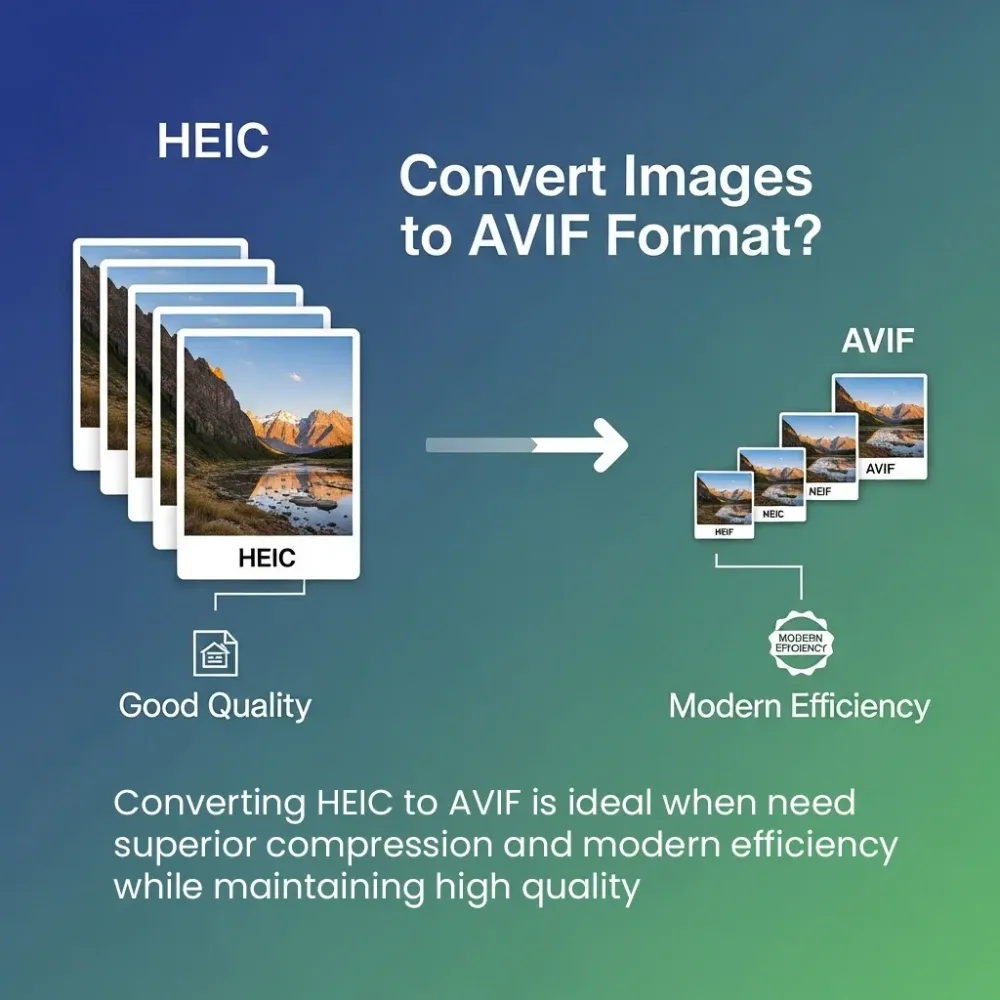
HEIC vs AVIF — Understanding the Difference

| Feature | HEIC | AVIF |
|---|---|---|
| Developed by | Apple / MPEG | Alliance for Open Media |
| Browser Support | Limited | Chrome, Firefox, Edge, Safari |
| Compression | Good | Excellent (up to 50% smaller than JPEG) |
| Image Quality | High | Higher at equivalent file sizes |
| Transparency | Yes | Yes |
| Web Ready | No | Yes |
| Open Format | No | Yes |
HEIC is optimized for Apple devices. AVIF is optimized for the web. If you need your images to load fast, display correctly, and work everywhere — AVIF is the clear winner.
Why Use Our Bulk HEIC to AVIF Converter?
Most online converters make you convert files one at a time, create an account, or add a watermark to your output. Ours does none of that.
- Bulk conversion — upload and convert multiple HEIC files in a single session
- Completely free — no hidden fees, no premium tier required
- No signup — open the tool and start converting instantly
- No watermark — your converted AVIF files are clean and ready to use
- Secure by design — AVIF files are processed and immediately discarded, never stored on our servers
- ZIP download — download all converted files in one click
When Should You Convert HEIC to AVIF?
Not every situation calls for conversion — but these common scenarios make it an easy decision:
You’re uploading images to a website HEIC files are not web-ready. Most CMS platforms, including WordPress, Shopify, and Squarespace, don’t natively support HEIC uploads. AVIF is fully supported and loads significantly faster — making it the ideal format for web publishing.
You’re sharing photos with non-Apple users Android users, Windows users, and most online platforms cannot open HEIC files without a third-party app. Converting to AVIF ensures your photos open correctly on every device, every time.
You’re optimizing for page speed Google’s Core Web Vitals reward fast-loading pages. AVIF files are significantly smaller than JPEG and PNG at the same quality level — meaning faster load times, better LCP scores, and improved search rankings.
You’re working with a large batch of iPhone photos Manually converting HEIC files one at a time is slow and frustrating. Bulk HEIC to AVIF conversion lets you process an entire photo library in one session — no repeat steps, no wasted time.
You’re storing photos long-term AVIF’s superior compression means you can store more photos in less space without sacrificing quality. For large photo libraries, switching from HEIC to AVIF can meaningfully reduce storage costs.
You’re a developer or designer AVIF is rapidly becoming the standard for modern web design. Using AVIF assets in your projects ensures better performance scores, smaller bundle sizes, and future-proof compatibility across browsers.
HEIC to AVIF vs Other Conversion Options
There are several ways to convert HEIC to AVIF — but they’re not all equal. Here’s how your options stack up:
| Method | Free | Bulk | No signup | No watermark | Privacy-first | Speed |
|---|---|---|---|---|---|---|
| Our converter | ✅ | ✅ | ✅ | ✅ | ✅ | Instant |
| CloudConvert | ❌ Paid limits | ✅ | ❌ Required | ✅ | ✅ | Fast |
| Convertio | ❌ Paid limits | Limited | ❌ Required | ✅ | ✅ | Fast |
| Desktop software | ❌ Often paid | ✅ | ❌ Install needed | ✅ | ❌ | Slow setup |
| Photoshop / Lightroom | ❌ Subscription | ✅ | ❌ Account needed | ✅ | — | — |
Most popular converters cap your free usage, require account creation, or limit batch file processing unless you upgrade to a paid plan. Our bulk HEIC to AVIF converter removes every barrier — no account, no watermark, no cost, and no cap on how many files you can convert. Each image can be up to 15MB and 8000×8000px.
Why does secure processing matter? When a tool discards your files immediately after conversion instead of retaining them, your images are never stored or accessible later. That means complete privacy — especially important when converting personal photos, client assets, or sensitive business images.
AVIF Browser & Platform Support in 2025
AVIF is now globally supported across all major browsers — covering over 95% of users worldwide. Before committing to any image format, it’s worth knowing where it actually works. AVIF support has grown significantly and is now production-ready across all major platforms.
Browser Support:
- ✅ Google Chrome — full support since v85
- ✅ Mozilla Firefox — full support since v93
- ✅ Microsoft Edge — full support since v90
- ✅ Apple Safari — full support since v16
- ✅ Opera — full support since v71
- ⚠️ Internet Explorer — not supported (less than 1% global usage)
Platform & CMS Support:
- ✅ WordPress — native AVIF support since v5.8
- ✅ Shopify — supports AVIF image uploads
- ✅ Cloudinary — full AVIF delivery support
- ✅ imgix — automatic AVIF serving
- ✅ Squarespace — supports AVIF image blocks
Device Support:
- ✅ Windows 10 / 11 — native AVIF viewing
- ✅ macOS Ventura and later — native support
- ✅ Android 12 and later — native support
- ✅ iOS 16 and later — Safari AVIF support
AVIF is no longer an emerging format — it’s mainstream. Converting your HEIC files to AVIF today means your images will display correctly now and remain compatible as the web continues to evolve.
Frequently Asked Questions (FAQ)
What is HEIC format?
HEIC (High Efficiency Image Container) is Apple’s default photo format used on iPhones and iPads since iOS 11. It offers high quality at small file sizes but has limited support outside Apple devices.
What is AVIF format?
AVIF (AV1 Image File Format) is a modern open-source image format developed by the Alliance for Open Media. It offers superior compression and quality compared to JPEG, PNG, and WebP, with full support across all major browsers.
Can I convert multiple HEIC files to AVIF at once?
Yes. Our bulk HEIC to AVIF converter lets you upload and convert multiple files simultaneously. Once converted, download them individually or as a single ZIP file.
Is this HEIC to AVIF converter really free?
Yes — 100% free. No signup, no account, no credit card required. Just upload and convert.
Do I need to install anything?
No. Just open the page in your browser and start converting — no software installation or app download needed.
Will my converted AVIF files have a watermark?
No. Your converted files are completely clean — no watermark, no branding added.
Is my data safe?
Yes. AVIF conversion is handled through our secure server-side endpoint — files are processed and immediately discarded, never stored or retained.
What is the best format — AVIF or WebP?
Both are modern web formats. AVIF generally offers better compression and quality than WebP, especially at lower file sizes. For most web use cases, AVIF is the better long-term choice.