

Free GIF to AVIF Converter – Fast, Bulk, Easy & No Watermark
Convert GIF to AVIF Online — No Signup, No Watermark, 100% Free
- ⚡ Instant conversion — no waiting, no queue
- 📦 Bulk upload supported — convert multiple GIFs at once
- 🔒 Private & secure — browser-only processing, zero uploads to server
- 🆓 Completely free — no account, no watermark, no hidden limits
Welcome to Bulk Image Converter
Drag & Drop your images here or click to select files
✨ Supports: JPG, PNG, WebP, AVIF, BMP, SVG, GIF, HEIC
How to Convert GIF to AVIF in 3 Steps
Converting GIF images to AVIF format has never been easier. No software to download, no account to create. Just upload, convert, and download — done in under a minute.
Step 1: Upload Your GIF Files
Click the upload area or drag and drop your GIF files directly into the converter. Bulk upload is fully supported — you can add as many GIF files as you need in one go. The tool accepts standard GIF format including both static and animated GIF files.
Step 2: Automatic Conversion to AVIF
Once your files are uploaded, conversion to AVIF starts instantly and automatically. There are no manual settings to adjust and no conversion queue to wait in. The tool processes your files entirely in your browser using client-side technology, which means your images are never sent to any external server.
Step 3: Download Your AVIF Files
Once conversion is complete, download your AVIF files individually with a single click, or grab all converted files together as a ZIP archive. Files are ready instantly — no email, no waiting, no hassle.
Why Convert GIF Images to AVIF Format?
If you are still using GIF files on your website or in your projects, you are likely dealing with unnecessarily large file sizes, limited color output, and slower page load speeds. Switching to AVIF solves all of these problems at once.
Dramatically Smaller File Sizes
AVIF delivers up to 80% smaller file sizes compared to GIF while maintaining equal or better visual quality. For web developers and designers, this means faster page load times, lower bandwidth usage, and improved Core Web Vitals scores — all of which directly impact SEO rankings and user experience.
A typical animated GIF file can easily reach 2–5 MB in size. The same content converted to AVIF can drop below 500 KB without any visible quality loss. That difference adds up fast when you are managing multiple images across a website or application.
Superior Color and Visual Quality
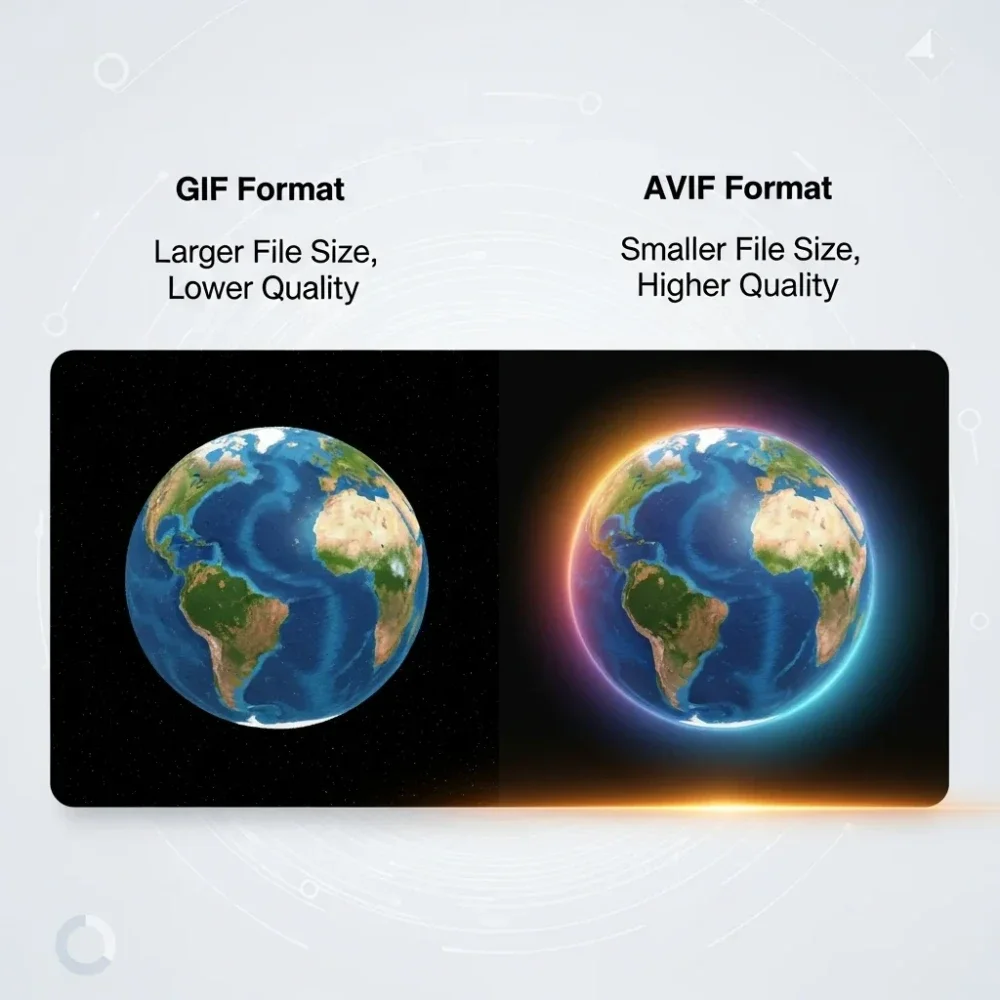
GIF is limited to just 256 colors due to its 8-bit palette structure. This makes it unsuitable for photographs or any image with rich gradients and tones. AVIF supports millions of colors, full HDR imagery, and wide color gamut — delivering far sharper and more accurate visuals across all screen types including modern high-resolution displays.
Full Transparency Support
GIF supports only basic single-bit transparency, meaning a pixel is either fully transparent or fully visible. AVIF supports full alpha channel transparency, allowing smooth edges, partial opacity, and complex layering effects that GIF simply cannot produce.
Better Performance for Animated Images
Animated GIFs are one of the biggest culprits of slow-loading web pages. Converting animated GIF to AVIF retains the animation while cutting file size dramatically. This makes AVIF the smarter choice for any web project that relies on animated visuals — from hero sections and banners to product showcases and social media assets.
Future-Ready Web Standard
AVIF is backed by the Alliance for Open Media and is supported by major tech companies including Google, Apple, Mozilla, and Netflix. Browser support now covers over 90% of global users. Converting your GIF images to AVIF today positions your content for the modern web and ensures long-term compatibility.
GIF vs AVIF : Understanding the Difference
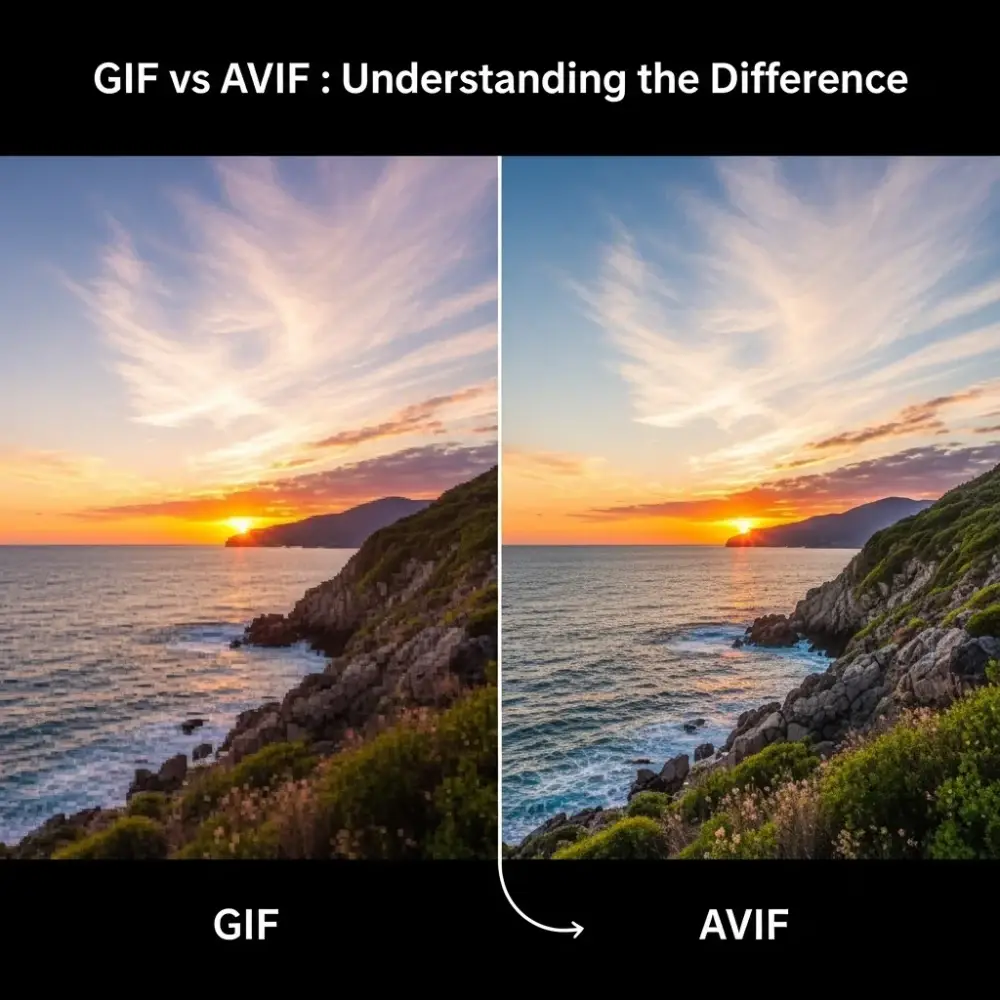
Choosing between GIF and AVIF depends on your use case. Here is a clear breakdown of how both formats compare across the most important technical areas.
| Feature | GIF | AVIF |
|---|---|---|
| File Size | Large | Up to 80% smaller |
| Color Support | 256 colors (8-bit) | Millions of colors |
| Transparency | Single-bit (on/off) | Full alpha channel |
| Animation | Yes | Yes |
| Compression Type | Lossless only | Lossy + Lossless |
| HDR Support | No | Yes |
| Browser Support | 100% (universal) | 90%+ (all modern browsers) |
| Year Introduced | 1987 | 2019 |
When to Use GIF
GIF remains a reliable choice when you need guaranteed universal compatibility across all devices and browsers, including older systems. It works well for simple animations with limited colors — logos, icons, and basic motion graphics. If your audience includes users on legacy browsers, GIF is the safe option.
When to Convert GIF to AVIF
AVIF is the better choice in almost every modern use case. If you are building a website, managing a content platform, or working on any digital project that targets modern browsers, converting your GIF files to AVIF will deliver measurably better results. You get smaller files, better quality, faster load times, and a format built for the next decade of web development.
What Is AVIF Format?
AVIF stands for AV1 Image File Format. It is a modern image format derived from the AV1 video codec, developed by the Alliance for Open Media in 2019. AVIF was specifically designed to offer superior compression efficiency and visual fidelity compared to older formats like GIF, JPEG, and even WebP.
Key characteristics of the AVIF format include support for both lossy and lossless compression, full color depth, HDR and wide color gamut imagery, transparency, and animation. It is now natively supported in Chrome, Firefox, Safari, and Edge — covering the vast majority of internet users worldwide.
For anyone working with images on the web, AVIF represents the most efficient and future-proof format currently available.
Who Should Use This GIF to AVIF Converter?
This free tool is built for anyone who works with images regularly and needs a fast, private, and reliable way to convert GIF files to AVIF online.
- Web developers looking to improve site performance and Core Web Vitals
- Graphic designers who need modern format outputs without paying for software
- Content creators converting animated GIFs for use in web projects and social media
- E-commerce managers optimizing product images for faster page loads
- SEO professionals reducing image weight to improve page speed scores
No technical knowledge is required. If you can drag and drop a file, you can use this tool.
Frequently Asked Questions (FAQ)
Is this GIF to AVIF converter really free?
Yes — completely free with no limits, no watermarks, and no signup required. You can convert as many GIF files as you need at no cost.
Can I convert multiple GIF files at once?
Yes. Bulk conversion is fully supported. Upload multiple GIF files at once and download all results as a single ZIP file or individually.
Does converting GIF to AVIF reduce image quality?
No. AVIF delivers equal or better visual quality at a fraction of the file size. Our converter is optimized to balance quality and compression for the best possible output.
Is AVIF supported by all browsers?
AVIF is supported by Chrome, Firefox, Safari, and Edge — covering over 90% of global browser usage. It is not supported by Internet Explorer, but IE has a global usage share of under 1%.
What happens to my files after conversion?
Nothing. All processing happens entirely in your browser. Your files are never uploaded to any server, never stored, and never accessed by anyone. Complete privacy is guaranteed.
Can I convert animated GIF to AVIF?
Yes. This converter supports both static and animated GIF files. Your animations will be preserved in the AVIF output.
How long does conversion take?
Conversion is near-instant for most files. Even bulk uploads of multiple GIF files typically complete within a few seconds.