

Free HEIC to AVIF Converter
Convert HEIC to AVIF instantly with bulk processing and high quality output. AVIF format ensures universal compatibility across all devices and platforms.
- No watermarks
- No Registration
- No Signup
- Universal compatibility
- Instant ZIP Download
- 100% Private: Browser-Only Processing
Welcome to Bulk Image Converter
Drag & Drop your images here or click to select files
✨ Supports: JPG, PNG, WebP, AVIF, BMP, SVG, GIF, HEIC
How to Convert HEIC to AVIF in 3 Steps
Step 1:Upload
Drop your HEIC files or click to browse
Step 2: Automatic Conversion
Instant conversion to AVIF format
Instant Downloads – Single or Bulk
Get files individually or as ZIP
Why Convert HEIC Images to AVIF Format?
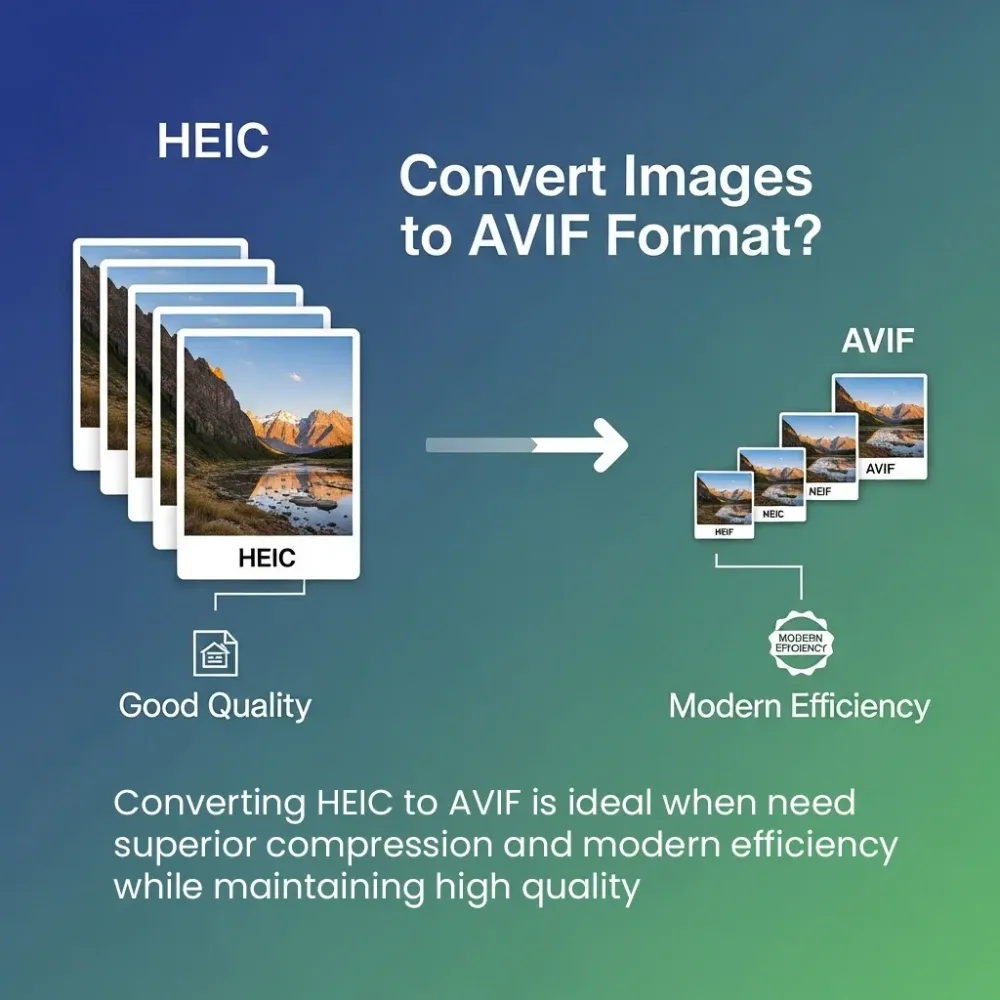
Converting HEIC to AVIF is ideal when you need superior compression and modern efficiency while maintaining high quality.
Key reasons to convert HEIC to AVIF
Exceptional Compression
AVIF offers up to 30% smaller file sizes compared to HEIC while maintaining similar or better quality. This dramatically reduces bandwidth usage and speeds up page load times for web applications.
Advanced Features
AVIF supports both lossy and lossless compression, full transparency (alpha channel), HDR imagery, and wide color gamuts. Get cross-platform compatibility that HEIC doesn't offer, combined with modern compression technology and broader support beyond just Apple devices.RetryClaude can make mistakes. Please double-check responses.
Future-Ready Format
AVIF is rapidly becoming the next-generation image standard, with growing browser support (90%+) and adoption by major platforms. It's backed by the Alliance for Open Media and supported by tech giants like Google, Apple, and Netflix.Retry

HEIC vs AVIF : Understanding the Difference
When choosing between HEIC and AVIF, it’s important to know how these formats work and when to use each one. Both are widely used, but they serve different purposes.
HEIC (High Efficiency Image Container)
- Good compression with high quality
- Supports transparency (alpha channel)
- Efficient file sizes
- Limited compatibility (primarily Apple devices)
- Developed by MPEG group, adopted by Apple (2017)
Use HEIC when: You’re working within the Apple ecosystem (iOS/macOS), need high-quality photos with smaller file sizes, and don’t require cross-platform compatibility.
AVIF (AV1 Image File Format)
- Superior compression (up to 30% smaller than HEIC)
- Supports full transparency (alpha channel)
- Both lossy and lossless compression options
- Supports HDR and wide color gamut
- Growing browser support (90%+)
- Developed by Alliance for Open Media (2019)
Use AVIF when: You need maximum compression with high quality, target modern browsers and platforms, want to reduce bandwidth and loading times significantly, or require cross-platform compatibility and advanced features like HDR imagery and wide color gamut support.
Frequently Asked Questions (FAQ)
Is this converter free?
Yes, completely free with no limits or watermarks.
Can I convert multiple files?
Yes, upload and convert multiple HEIC files at once. Download as individual files or one ZIP.
Will quality be affected?
AVIF uses lossy or lossless compression options, allowing you to choose between smaller file sizes or perfect quality. Our converter balances quality and file size for optimal results. HEIC ‘s transparency (alpha channel) is fully preserved in AVIF format, maintaining all transparency information without any loss.
Are my files stored?
No, all files are processed in your browser and immediately deleted. We never store or access your images.