

Free HEIC to WebP Converter - Bulk Convert Online
Convert HEIC to WebP instantly with no watermarks, no signup, and full transparency support.
Upload multiple HEIC files and convert them to WebP format in seconds. Our browser-based tool processes everything locally, ensuring complete privacy. Download individually or as ZIP—completely free with no limits.
- No watermarks
- No Registration
- No Signup
- Universal compatibility
- Instant ZIP Download
- 100% Private: Browser-Only Processing
Welcome to Bulk Image Converter
Drag & Drop your images here or click to select files
✨ Supports: JPG, PNG, WebP, AVIF, BMP, SVG, GIF, HEIC
How to Convert HEIC to WebP in 3 Steps
Step 1: Upload Your HEIC Files
Drag and drop your HEIC images or click to select files. Our tool supports batch conversion, so you can convert multiple files simultaneously with no upload limits.
Step 2: Automatic Conversion
Your files are converted instantly using browser-based processing. Images never leave your device, ensuring complete privacy and security. The process takes just seconds per image.
Instant Downloads – Single or Bulk
Download converted WebP images individually or get all files in a single ZIP archive. Full transparency and quality are preserved throughout the conversion.
Why Convert HEIC to WebP?
Converting HEIC to WebP is ideal when you need broad compatibility and consistent display across most modern platforms.
Key reasons to convert HEIC to WebP:
Universal Browser Compatibility
WebP works seamlessly across Chrome, Firefox, Edge, Safari 14+, and Opera—covering over 97% of browsers. Unlike HEIC, which is limited to Apple devices, WebP ensures your images display correctly on Windows, Android, and all web platforms.
Optimized for Web Performance
WebP files are typically 25-35% smaller than PNG or JPEG while maintaining visual quality. This means faster page loads, reduced bandwidth, and better user experience—perfect for websites, blogs, and online portfolios.
Cross-Platform Sharing Made Easy
HEIC files often require conversion before sharing with non-Apple users. WebP eliminates this hassle, providing consistent display across all modern devices and operating systems without compatibility issues.
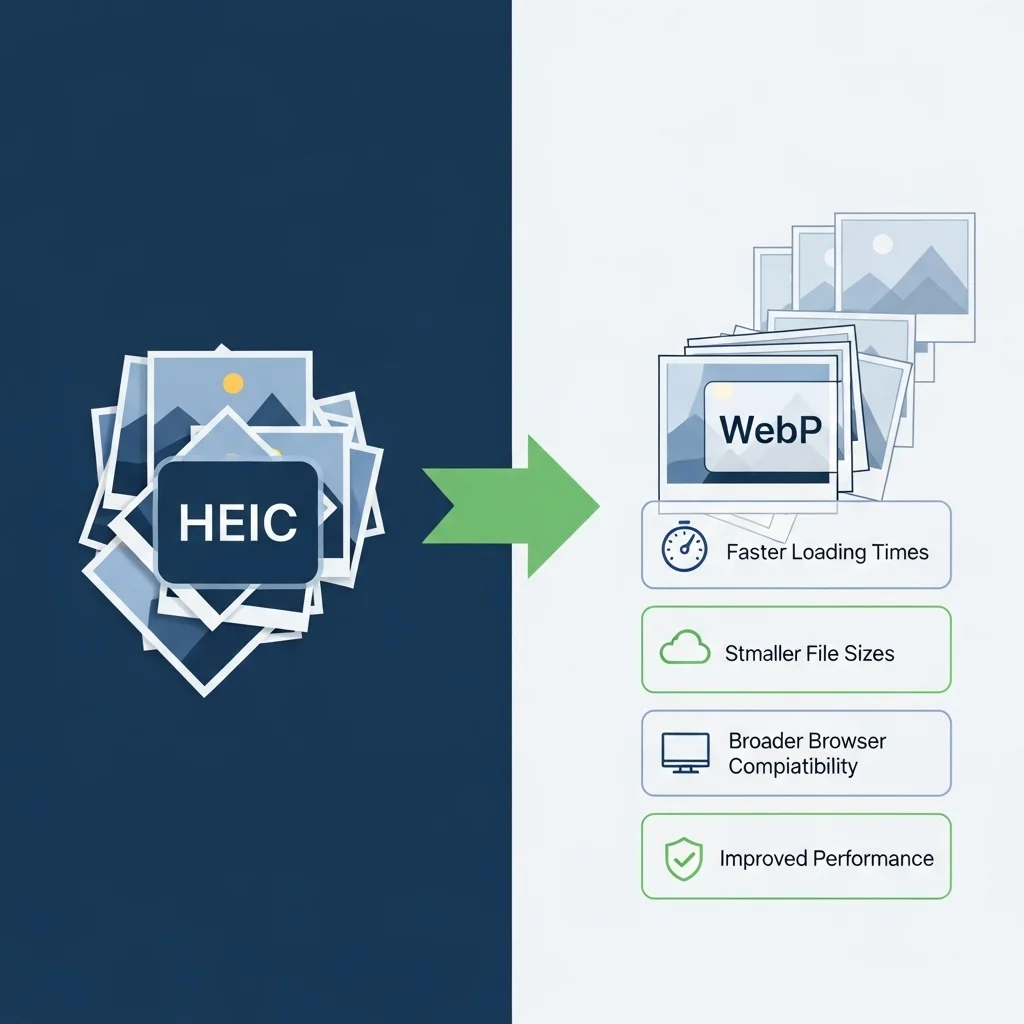

HEIC vs WebP: Key Differences
Compression & File Size
HEIC uses HEVC compression to achieve up to 50% smaller files than JPEG, ideal for iPhone storage. WebP typically reduces files by 25-35% compared to PNG/JPEG, optimized specifically for web delivery with excellent quality-to-size ratio.
Platform Support
HEIC works primarily on iOS 11+, macOS High Sierra+, and Apple applications. Most web browsers cannot display HEIC without conversion. WebP enjoys 97%+ browser support, making it the clear choice for web publishing and cross-platform sharing.
When to Use Each Format
Use HEIC for Apple ecosystem storage optimization. Convert HEIC to WebP when sharing with non-Apple users, publishing to websites, ensuring device compatibility, or optimizing for web performance.
Quality & Technical Considerations
Does Conversion Affect Quality?
Quality depends on WebP compression settings. Lossless WebP preserves all visual information from HEIC files. Lossy WebP produces smaller files with minimal, often imperceptible quality loss. Our converter balances file size with quality for optimal results. Learn more about WebP lossy and lossless compression
Transparency Support
Both HEIC and WebP fully support alpha channel transparency. When you convert HEIC to WebP, all transparent regions transfer perfectly—ideal for logos, graphics, and images requiring overlay capabilities, as WebP image format supports alpha channel transparency according to official documentation.
Frequently Asked Questions (FAQ)
Is This Converter Really Free?
Yes, completely free with no watermarks, file limits, or registration. Convert unlimited HEIC files to WebP without any hidden costs.
Can I Convert Multiple Files at Once?
Absolutely. Upload and convert multiple HEIC files simultaneously. Download them individually or as a ZIP archive for convenience.
Are My Files Stored Anywhere?
No. All conversion happens in your browser using client-side processing. Your files never upload to servers. We cannot access, store, or share your images.
Does WebP Work on All Browsers?
WebP works on Chrome, Firefox, Edge, Safari 14+, and Opera—over 97% of current browsers. Internet Explorer and older Safari versions don’t support WebP.
What Happens to Image Metadata?
Our converter typically strips EXIF metadata (camera settings, GPS, timestamps) to reduce file size and protect privacy.
Format Specifications
HEIC Format:
- Compression: HEVC codec
- Developer: MPEG group, adopted by Apple (iOS 11, 2017)
- Color Depth: Up to 16-bit
- File Size: ~50% smaller than JPEG
- Support: Limited to Apple ecosystem
WebP Format:
- Compression: VP8 codec (lossy & lossless)
- Developer: Google (2010)
- Color Depth: 8-bit (lossy), 14-bit (lossless)
- File Size: 25-35% smaller than PNG/JPEG
- Support: 97%+ browser compatibility