

Convert PNG to AVIF Online — Free, Fast & No Watermark
Compress & Convert PNG Images to AVIF in Seconds
- Bulk convert multiple PNG files at once
- Download all converted AVIF files as a single ZIP
- Smaller file sizes without losing image quality
- 100% free — no account, no watermark, no limits
Welcome to Bulk Image Converter
Drag & Drop your images here or click to select files
✨ Supports: JPG, PNG, WebP, AVIF, BMP, SVG, GIF, HEIC
How to Convert PNG to AVIF Online (3 Easy Steps)
You don’t need software or technical skills. Our PNG to AVIF converter online works entirely in your browser — no installation, no account, no hassle.
Step 1 — Upload Your PNG Files
Click the upload button and select one or multiple PNG images from your device. You can drag and drop files directly onto the upload area.
Step 2 — Auto Conversion Starts Instantly
Your files convert to AVIF format automatically the moment they’re uploaded. No settings to adjust, no waiting around. The tool handles everything.
Step 3 — Download Your AVIF Files
Download each converted file individually or grab all your images in one ZIP file. Fast, clean, and ready to use.
No watermark. No signup. No file limits. Just instant PNG to AVIF conversion — completely free.
Why Convert PNG to AVIF?
PNG files are high quality — but they’re heavy. For web use, large PNG files slow down your pages, hurt your Core Web Vitals score, and frustrate users on slower connections.
AVIF is a next-generation image format purpose-built for the web. It delivers the same visual quality you expect from PNG — at a fraction of the file size.
Here’s why developers, designers, and content creators are switching to AVIF:
- Dramatically smaller file sizes — AVIF images can be 50–80% smaller than equivalent PNG files
- Superior compression quality — sharper details and less noise even at high compression levels
- Faster page load speeds — smaller images mean faster websites and better user experience
- SEO advantage — Google’s Core Web Vitals rewards fast-loading, optimized pages
- Transparency support — AVIF fully supports alpha channels, just like PNG
- Wide modern browser support — Chrome, Firefox, Safari, and Edge all support AVIF natively
- HDR and wide color gamut — better color depth than most legacy formats
If you’re building or maintaining a website, converting PNG to AVIF is one of the highest-impact, lowest-effort optimizations available today.
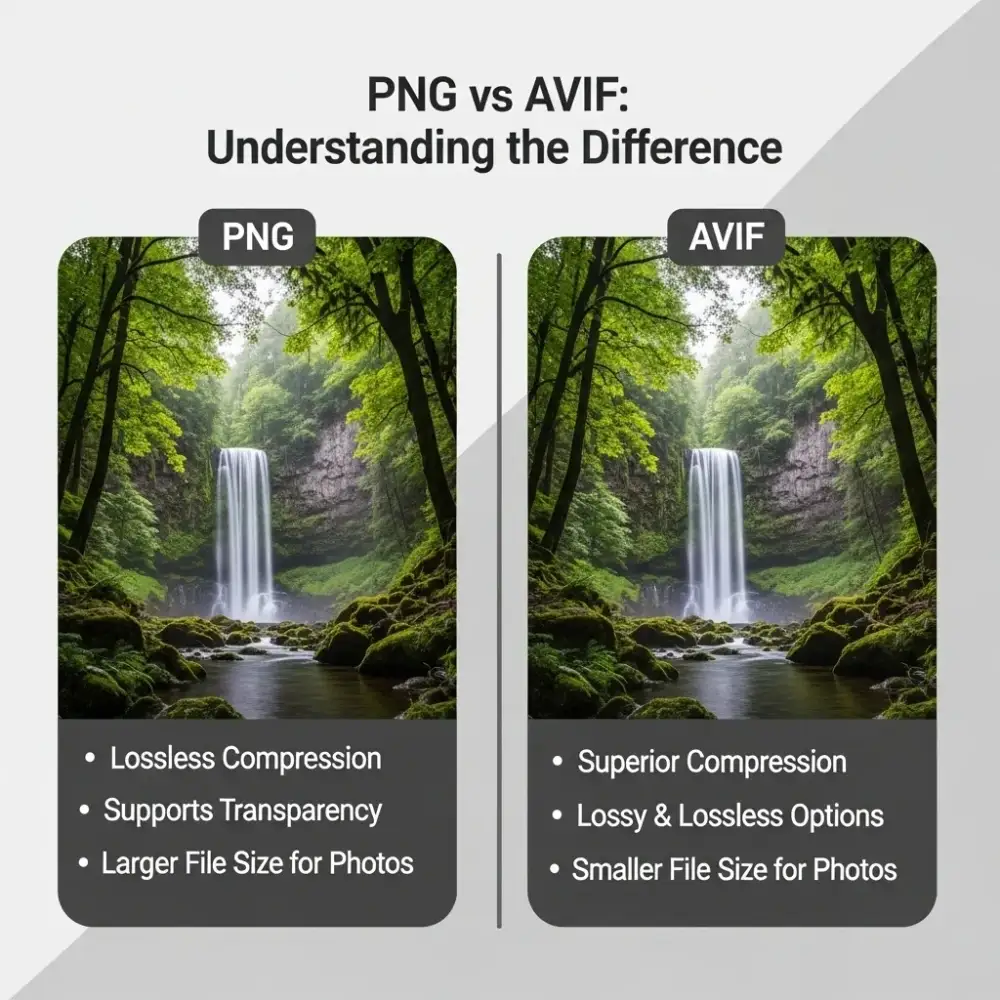
PNG vs AVIF — What's the Difference?
Not sure if AVIF is the right move for your images? Here’s a clear side-by-side comparison.
| Feature | PNG | AVIF |
|---|---|---|
| File Size | Large | Up to 80% smaller |
| Compression Type | Lossless only | Lossy & lossless |
| Transparency | ✅ Yes | ✅ Yes |
| Animation Support | ❌ No | ✅ Yes |
| HDR Support | ❌ No | ✅ Yes |
| Browser Support | Universal | All modern browsers |
| Best For | Editing, archiving | Web delivery & performance |
Which Format Should You Use?
Use PNG when you need a pixel-perfect, lossless master file for editing or archiving. PNG is ideal for logos, layered graphics, and source assets.
Use AVIF when you’re publishing images to a website or app and need the best possible performance. AVIF gives you web-ready images that load fast without visible quality loss.
For most web publishing workflows, the smart move is to keep your PNG as the source file and export or convert to AVIF for delivery.
What Is AVIF Format?
AVIF stands for AV1 Image File Format. It’s an open, royalty-free image format based on the AV1 video codec — developed by the Alliance for Open Media, which includes Google, Apple, Mozilla, Microsoft, and Netflix.
AVIF was designed from the ground up for modern screens and high-speed web delivery. Unlike older formats such as JPEG or PNG, AVIF benefits from decades of advances in video compression science.
Key Technical Features of AVIF
- Lossy and lossless compression — choose the right mode for each use case
- HDR and wide color gamut (WCG) — richer, more accurate colors on modern displays
- Alpha channel (transparency) — full support, just like PNG
- Animation support — AVIF can store animated image sequences
- High bit depth — supports up to 12-bit color depth
Because it’s built on AV1 codec technology, AVIF achieves better compression efficiency than any mainstream image format before it — including JPEG, PNG, and WebP.
AVIF vs WebP — Which Is Better for the Web?
Both AVIF and WebP are modern alternatives to PNG and JPEG. But they’re not equal.
- File size: AVIF is typically 20–35% smaller than WebP at equivalent quality
- Image quality: AVIF preserves more fine detail at higher compression levels
- Color support: AVIF supports HDR and wide color gamut; WebP does not
- Browser support: WebP has slightly broader legacy browser coverage; AVIF is supported by all modern browsers used by 93%+ of global users
- Future outlook: AVIF is the format the web is moving toward
For new projects and modern web deployments, AVIF is the stronger long-term choice.
How to Batch Convert PNG to AVIF
Processing images one at a time is slow and inefficient. Our batch PNG to AVIF converter lets you upload and convert multiple files simultaneously — saving you significant time on large image sets.
How Batch Conversion Works
- Upload multiple PNG files at once — select as many images as you need in a single upload
- All files convert automatically — the tool processes every image in parallel, no manual steps between files
- Download individually or as ZIP — grab specific files one by one, or download your entire converted batch as a single ZIP file
No queue. No file cap. No waiting for one file to finish before the next begins.
Who Benefits Most From Batch PNG to AVIF Conversion?
Web developers — compress entire image asset folders before pushing to production. Reduce page weight across your whole site in one step.
E-commerce businesses — convert large product photo libraries to AVIF for faster catalog pages and better Core Web Vitals scores.
UI/UX designers — export web-ready AVIF assets from PNG source files without leaving your workflow or opening additional software.
Bloggers and content creators — optimize all your post images in one batch before publishing. Faster pages, better SEO, happier readers.
Marketing teams — prepare campaign image assets in bulk for web banners, landing pages, and email headers.
AVIF Browser Support — Is It Safe to Use in 2025?
One of the most common concerns about adopting a newer image format is browser compatibility. Here’s the current state of AVIF support across major browsers.
How Batch Conversion Works
| Browser | AVIF Support | Since Version |
|---|---|---|
| Google Chrome | ✅ Full Support | v85+ |
| Mozilla Firefox | ✅ Full Support | v93+ |
| Apple Safari | ✅ Full Support | v16+ |
| Microsoft Edge | ✅ Full Support | v121+ |
| Opera | ✅ Full Support | v71+ |
| Samsung Internet | ✅ Full Support | v14+ |
AVIF is now supported by all major modern browsers. According to AVIF browser support data, global browser coverage sits above 93%, making AVIF a safe, production-ready choice for web images.
What About Older Browsers?
For rare cases where users are on legacy browsers, you can use the HTML <picture> element to serve a WebP or JPEG fallback alongside your AVIF file. This ensures no user ever sees a broken image, regardless of their browser version.
<picture>
<source srcset=”image.avif” type=”image/avif”>
<source srcset=”image.webp” type=”image/webp”>
<img src=”image.jpg” alt=”Your image”>
</picture>
This approach gives you all the performance benefits of AVIF for the majority of users while maintaining complete compatibility across all environments.
How AVIF Improves Website Performance
Switching from PNG to AVIF isn’t just about smaller files. It has a measurable impact on your website’s overall performance and search visibility.
Core Web Vitals Impact
Google uses Core Web Vitals as a ranking signal. Largest Contentful Paint (LCP) — one of the key metrics — is directly affected by image file size and load speed.
Converting your PNG images to AVIF can:
- Reduce LCP time — images load faster, improving your LCP score
- Lower total page weight — smaller images reduce bandwidth usage
- Improve Time to First Byte (TTFB) — less data transferred means quicker server responses
- Boost PageSpeed Insights score — Google’s own tool recommends serving images in next-gen formats like AVIF — a core part of image performance best practices.
Real-World File Size Reduction
Typical results when converting PNG to AVIF:
- A 500KB PNG icon → ~90KB AVIF (82% reduction)
- A 2MB product photo → ~350KB AVIF (82% reduction)
- A 4MB banner image → ~700KB AVIF (83% reduction)
Results vary by image content and complexity, but file size reductions of 60–85% are common when moving from PNG to AVIF.
Frequently Asked Questions (FAQ)
Is this PNG to AVIF converter completely free?
Yes. There are no fees, no subscriptions, and no hidden costs. The tool is 100% free to use.
Do converted AVIF files have a watermark?
No. Every AVIF file you download is completely clean — no watermarks, no branding overlays.
How many PNG files can I convert at once?
You can upload and convert multiple PNG files in a single batch and download them all as a ZIP.
Does converting PNG to AVIF reduce image quality?
AVIF uses advanced compression that preserves strong visual quality at much smaller file sizes. Most users see no perceptible quality difference in the converted output.
Do I need to create an account?
No. There is no signup, login, or registration required. Upload, convert, and download — that’s it.
Is my data safe? Are files stored on your servers?
Your files are processed in the browser. No images are stored or retained on our servers after conversion.
What browsers support AVIF?
Chrome, Firefox, Safari, Edge, Opera, and Samsung Internet all support AVIF. Over 93% of global users are on browsers with full AVIF support.
Do I need to install any software?
No. This is a fully browser-based PNG to AVIF converter online. Nothing to download or install on your device.
Convert PNG to AVIF — Free, Fast, and Ready Right Now
AVIF is the web’s most efficient image format. Converting your PNG files to AVIF means faster load times, better SEO, lower bandwidth costs, and a smoother experience for every visitor to your site.
Our PNG to AVIF converter online is free, instant, and requires zero signup. Upload your PNGs, get high-quality AVIF files, and download everything as a ZIP — in seconds.
No watermark. No limits. No complications.