
Resize Image for Pinterest Pin - Free Bulk Image Resizer
Resize multiple images to exactly 1000×1500 pixels instantly with bulk processing and high quality output. Perfect dimensions for Pinterest pins, visual discovery, and content marketing across all devices.
- No watermarks
- No Registration
- No Signup
- Universal compatibility
- Instant ZIP Download
- 100% Private: Browser-Only Processing
Welcome to Bulk Image Resizer
Drag & Drop your images here or click to select files
✨ Supports: JPG, PNG, WebP, AVIF, BMP, SVG, GIF, HEIC
How to Bulk Resize Images for Pinterest Pin in 3 Steps
Step 1:Upload
Drop your image files or click to browse
Step 2: Automatic Conversion
Instant bulk resize to 1000×1500 pixels
Instant Downloads – Single or Bulk
Get files individually or as ZIP
Why Bulk Resize Images for Pinterest Pin?
Bulk resizing images to 1000×1500 pixels ensures your visuals meet platform specifications for optimal display, maximum saves, and enhanced discoverability across multiple images.
Key reasons to bulk resize for Pinterest Pin:
Optimal Feed Performance
1000×1500 is Pinterest's ideal resolution for standard pins. This 2:3 vertical ratio ensures your pins display prominently in feeds without being cut off or cropped, capturing attention as users scroll through their home feed, search results, and related pins while maintaining crystal-clear image quality.
Maximum Click-Through & Saves
Your Pinterest pin is a direct gateway to your website, blog, or product page. Properly sized images at 1000×1500 pixels ensure text overlays remain readable, product details stay sharp, and visual hierarchy guides viewers to click through, directly impacting website traffic, conversions, and the viral spread of your content through repins.
Search Engine Visibility
Pinterest functions as a visual search engine where pin quality affects discoverability. The 1000×1500 dimension ensures your pins meet Pinterest's quality standards for search ranking, appearing higher in results for relevant keywords, getting featured in curated boards, and reaching users actively searching for your niche content or products.
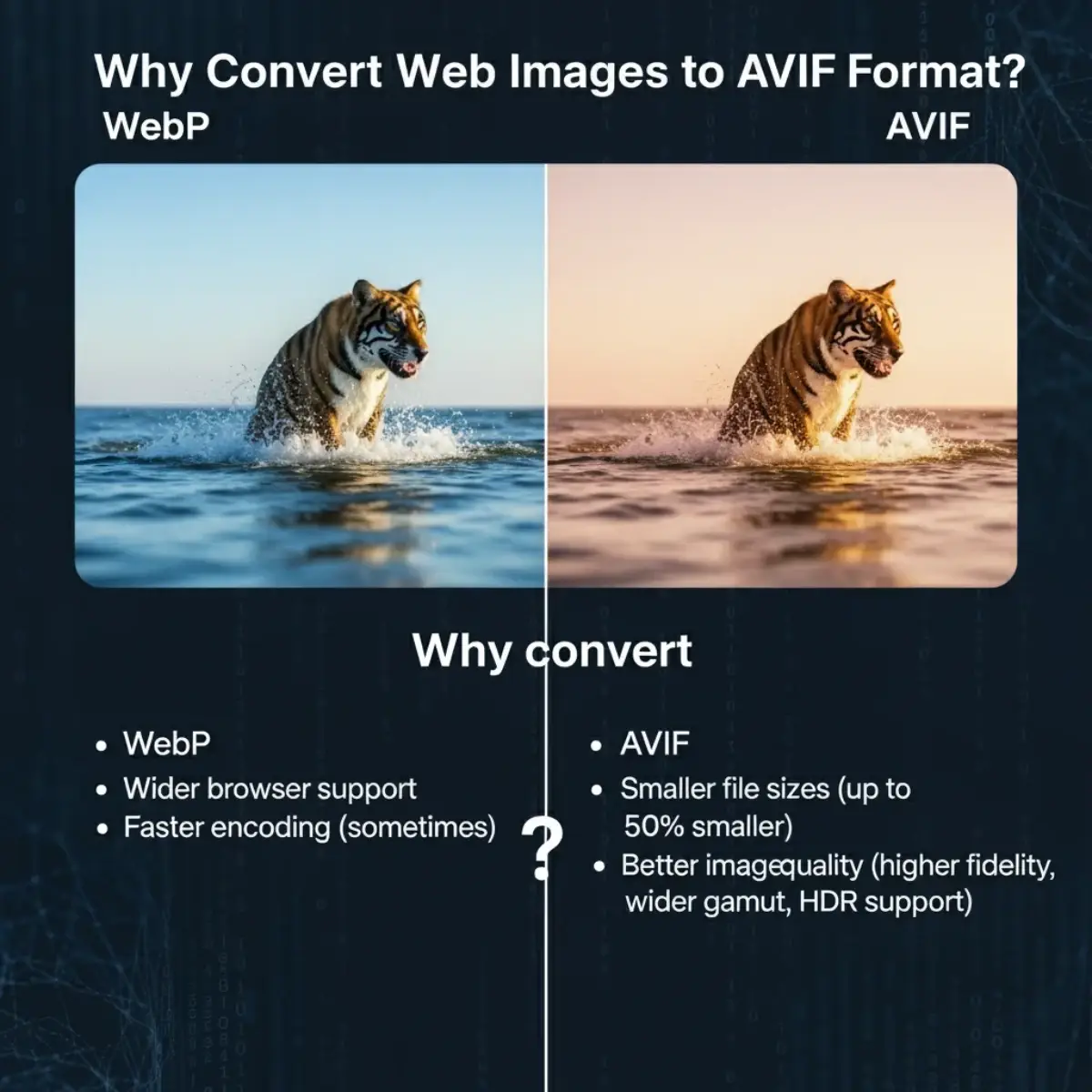
1000×1500 pixels vs Original Size: Understanding the Difference
When choosing to bulk resize to 1000×1500 pixels, it’s important to understand the trade-offs between platform optimization and original quality.
Original Image (Uncompressed)
- High quality with maximum detail
- Large file sizes (often 1MB – 10MB+)
- May not fit platform requirements
- Possible cropping or distortion
- Slower upload and loading times
- Wastes bandwidth and storage
Use original when: Professional portfolio presentations, high-end brand campaigns, or when downloading for print materials
Resized Images to 1000×1500 pixels
- Optimized for Pinterest Pin specifications
- 2:3 (Vertical) aspect ratio maintained
- Faster upload and instant indexing
- Cropped in feed or awkward sizing → Perfect vertical display
- Text overlay too small to read → Clear, engaging typography
- Low saves and clicks → Higher engagement rates
- Poor search visibility → Enhanced discoverability
- Slow loading hurts performance → Instant display builds trust
- Horizontal images wasted → Vertical feed dominance
Use 1000×1500 pixels when: Pinterest pins, product images, recipe cards, infographics, blog post graphics, DIY tutorials, fashion lookbooks, home decor inspiration, how-to guides, step-by-step visuals, quote graphics, or any Pinterest-focused visual marketing content
Frequently Asked Questions (FAQ)
Is this bulk image resizer free to use?
Yes, our tool is completely free with no hidden costs. You can resize unlimited images without any registration, watermarks, or payment required. Process single images or bulk batches instantly.
How many images can I process at once?
You can upload and process multiple images simultaneously in bulk. Simply drag and drop all your files, and our tool will automatically resize them according to your selected specifications. Download individual files or get them all as a ZIP.
Is my image data safe and private?
Absolutely. All image processing happens securely, and we do not store, share, or use your images for any purpose. Your files are automatically deleted from our servers immediately after processing. Your privacy is our priority.
What image formats are supported?
Our tool supports all major image formats including JPG/JPEG, PNG, WebP, GIF, BMP, and TIFF. Upload any format and download in your preferred format with optimized quality and file size for your specific needs.