
Compress Image to 100KB - Free Bulk Image Compressor
Free Bulk Image Compressor — No Signup, No Watermarks
Need to reduce image size to 100KB for a government portal, admission form, or visa application? Upload up to 100 images and get compressed files ready in seconds — free, private, no signup.
- No watermarks
- No Registration
- No Signup
- Universal compatibility
- Instant ZIP Download
- 100% Private: Browser-Only Processing
Welcome to Bulk Image Compressor
Drag & Drop your images here or click to select files
✨ Supports: JPG, PNG, WebP, AVIF, BMP, SVG, GIF, HEIC
All processing happens in your browser. Please keep backup copies of your original files — we are not responsible for any file loss or conversion issues.
Welcome to Bulk Image Resizer
Drag & Drop your images here or click to select files
✨ Supports: JPG, PNG, WebP, AVIF, BMP, SVG, GIF, HEIC
How to Bulk Compress Images to 100KB in 3 Steps
Drop your image files or click to browse. Our 100KB image compressor accepts up to 100 images at once in any supported format (JPG, PNG, WebP, AVIF, BMP, GIF, HEIC, SVG).

Step 1:Upload
Drop your image files or click to browse. Upload up to 100 images at once in any supported format (JPG, PNG, WebP, AVIF, BMP, GIF, HEIC, SVG).
Step 2: Automatic Conversion
Instant bulk compression to 100KB or less. Our smart compression handles each image separately while keeping visual quality high. Everything processes right in your browser - your images never leave your device.
Step 3: Instant Downloads – Single or Bulk
Get files one by one or download all compressed images as a single ZIP file. Perfect for batch uploading to government portals, admission forms, or website updates.
Why Choose Our 100KB Image Compressor?
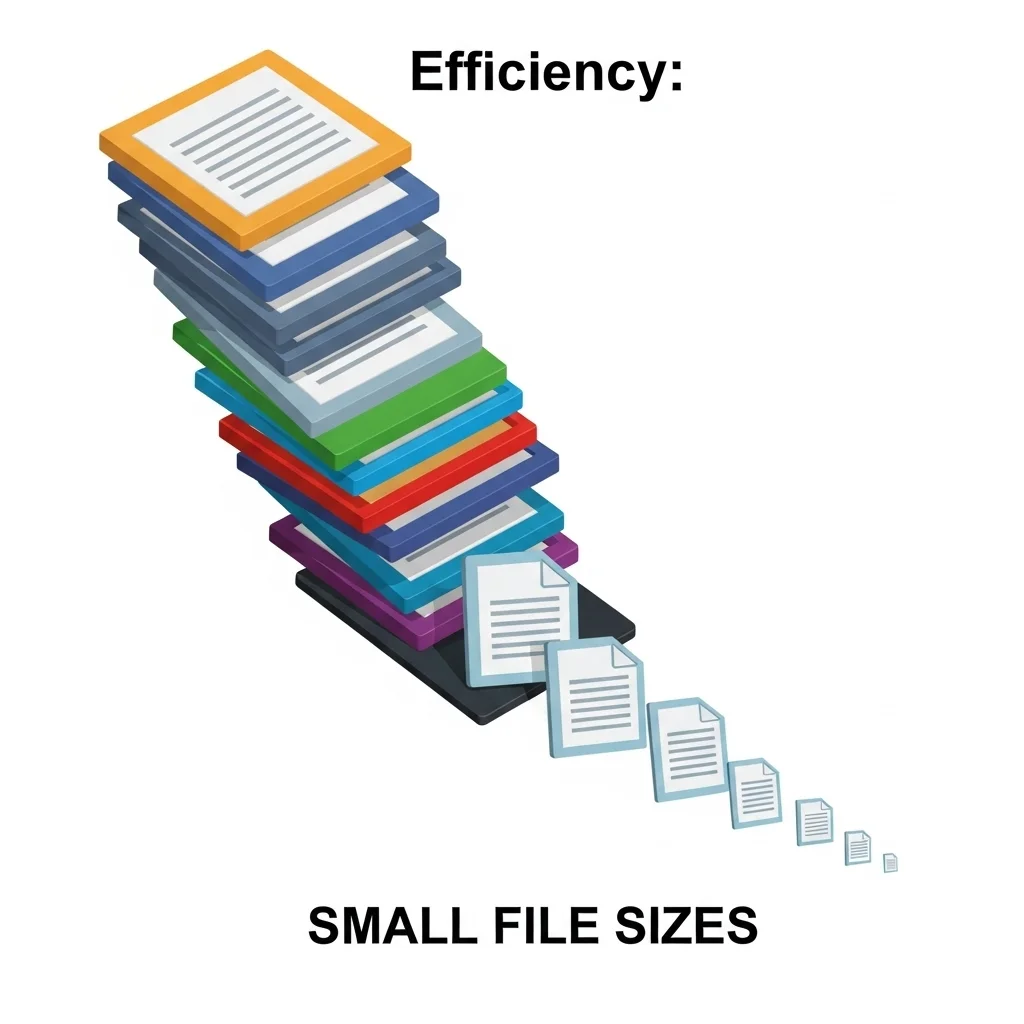
Process 100 Images at Once - Not Just 20
Most online image compressors limit you to 20-50 images per batch. Our bulk image compressor handles up to 100 images at the same time, saving you hours when preparing:
- Government job portal applications (UPSC, SSC, Railway recruitment, banking exams)
- College admission forms and university applications worldwide
- Visa and passport photo submissions for immigration documents
- Professional portfolios and business profile pictures
- Website image updates for faster loading times
No Watermarks, Ever - 100% Clean Images
Start compressing images to 100KB right away – no account creation, no email required, no login needed. Our bulk image compressor is the only free tool that handles 100 images in one go.
Download All as ZIP - One Click, All Files
After compression, download all your 100KB images instantly as a single ZIP file. No need to download files one by one. Simply
- Upload and compress your images to 100KB
- Click “Download All as ZIP”
- Extract your compressed images ready for quick upload.
Why Bulk Compress Images to 100KB?
Bulk compressing images to 100KB is a must when you need lightweight files for faster loading, less bandwidth usage, and meeting specific size requirements across multiple images. Whether preparing photos for government job portals, college admission forms, or website updates, our bulk compressor handles up to 100 images at the same time.
Key Reasons to Bulk Compress to 100KB:
Perfect for Email Attachments
100KB images are lightweight enough for email without hitting attachment limits. Send multiple photos quickly while keeping acceptable quality for viewing and sharing. Most email services limit total attachment size to 25MB – with 100KB images, you can send 250 photos in one email versus just 5-10 full-resolution images.
Made for Profile Pictures
Most social media platforms and forums want profile pictures under 100KB for fast loading. This size makes sure your image shows up instantly while keeping clear, recognizable quality. Social networks like LinkedIn, Facebook, and professional forums often compress larger images automatically, potentially making quality worse – uploading 100KB images gives you control over the final look.
Fast Web Loading
100KB images load almost instantly, even on slower connections. This improves user experience, reduces bounce rates, and helps with SEO rankings by meeting Core Web Vitals standards. Google prioritizes websites with fast-loading images in search results. When you compress image to 100KB, pages load significantly faster. You can test your website’s loading speed and image performance using Google PageSpeed Insights.

Where You Need 100KB Images - Real-World Applications
Many government employment websites require profile photos and documents under 100KB for application submissions. Our bulk image compressor to 100KB is specifically designed for these requirements, letting you compress multiple application photos at the same time.

Common Government Portals Requiring 100KB Images:
- UPSC (Union Public Service Commission): Passport-size photos must be under 100KB for IAS, IPS, IFS applications
- SSC (Staff Selection Commission): Profile pictures exactly 100KB or less for CGL, CHSL, MTS exams
- Railway Recruitment Board: Application photos limited to 100KB for all positions
- IBPS Banking Exams: Candidate photos must not exceed 100KB for PO, Clerk, SO applications
Why 100KB limit exists: Government portals handle millions of applications every year. The 100KB limit keeps servers running efficiently, pages loading faster, and databases manageable while keeping acceptable photo quality for identification and verification.
Our advantage: Compress up to 100 job application photos at once when applying to multiple positions or preparing applications for your team, recruitment agency, or family members.
University & College Admission Forms
Educational institutions worldwide set 100KB limits for admission form photos. Students applying to multiple universities can use our bulk compressor to prepare all required photos in one batch. Students can use our free bulk compress images to 100KB tool to prepare all required admission photos in one batch.
Visa & Passport Applications
Immigration and travel document applications often require precisely sized images. Our tool helps you compress passport photos and visa application images to exactly 100KB for online submission portals. Our tool lets you compress JPEG to 100KB online free for all major immigration portals.
Immigration Documents Requiring 100KB Photos:
Visa Application Systems:
- US Visa Portal: DS-160 form photo upload limited to specific file sizes
- Schengen Visa Applications: EU visa photos for online submissions
- UK Visa & Immigration: Photo uploads for various visa categories
- Australian Visa Portal: eVisa applications requiring compressed photos
- Canadian Immigration: Express Entry and visa photos with size restrictions
- Asian Visa Systems: Applications for China, Japan, Singapore, UAE visas
100KB vs Original Size - Understanding the Difference
When choosing to bulk compress to 100KB, it’s important to understand the trade-offs between file size and quality. Our smart compression gets the best quality possible while hitting the exact 100KB target.
Whether you need to compress image to 100KB for a government portal or just reduce image size to 100KB for faster web loading, our smart compression maintains the best possible visual quality.

Advanced Tips to Achieve Perfect 100KB Compression
Choose the Right Source Image
Starting with a good original image is key to getting 100KB with great quality
Get Image Dimensions Right
File size links directly to pixel count. Smart dimension adjustment helps reach 100KB targets while keeping acceptable quality.
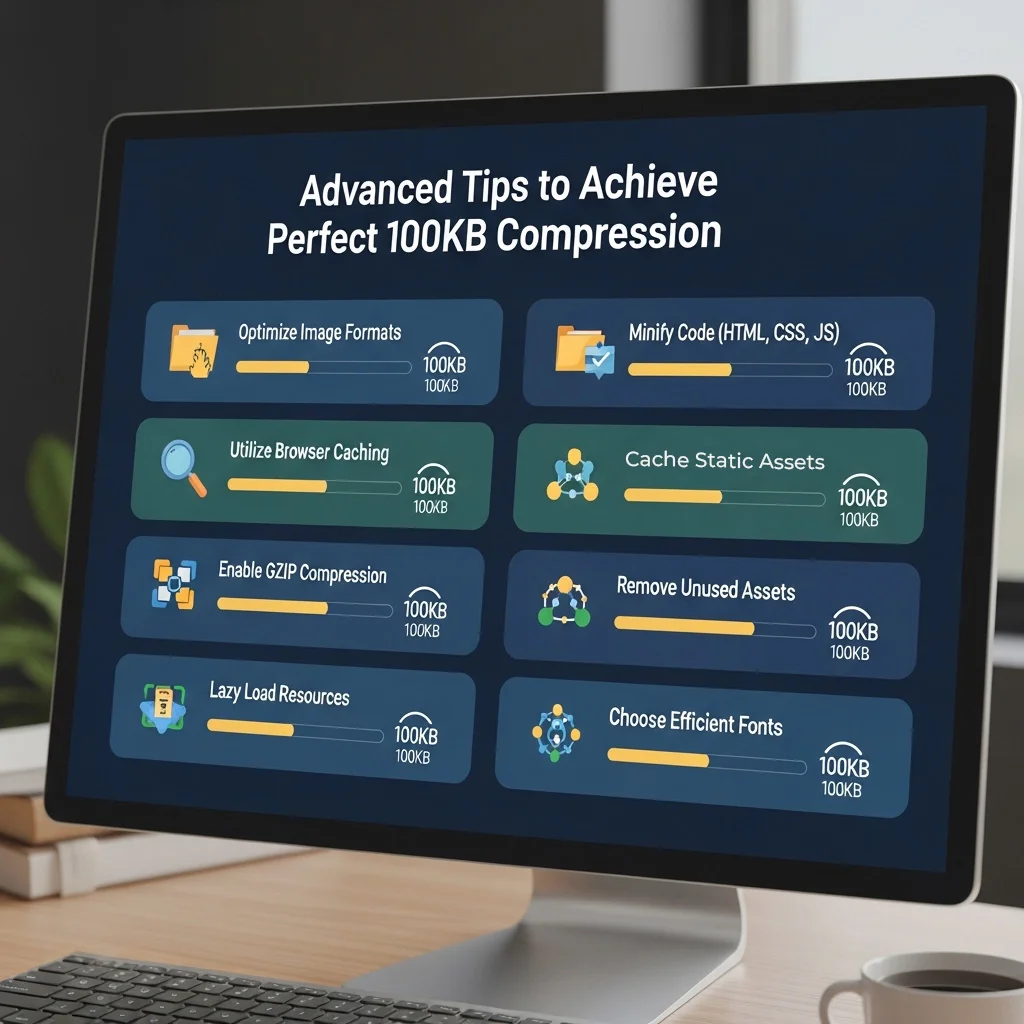
Select Best Output Format
JPG/JPEG (BEST for 100KB target) ⭐
Adjust Compression Settings
Fine-tune quality settings based on content type and how you'll use it.
Batch Processing Best Practices
When compressing multiple images to 100KB at the same time (up to 100 at once):
Solving 100KB Compression Challenges
Problem: Image Quality Too Low at 100KB
Symptoms you might notice:
- Blurry faces or text that’s hard to read
- Visible compression artifacts (blocky patterns, pixelation)
- Colors look washed out, dull, or unnatural
- Important details lost in critical areas
- Grainy or noisy appearance
Solution : Reduce Image Dimensions
Lower resolution allows better quality at the same file size:
Example comparison:
- Original: 1920x1080px at 100KB = 70% quality (noticeable compression artifacts)
- Resized: 1024x768px at 100KB = 85% quality (excellent quality, sharp details)
How to do it: Before compressing to 100KB, resize your image to a smaller dimension. Our tool automatically handles this, but you can also pre-resize using our [bulk image resizer](/bulk-image-resizer/) then compress.

No other free 100KB image compressor processes 100 images at once with full browser-based privacy.
Key Advantages of Our Tool
- True 100KB Targeting
- Massive Bulk Processing (100 Images)
- Complete Privacy (Browser-Based)
Privacy comparison:
- Our tool: Images stay on your device = 100% private
- Competitors: Upload to their servers = They can access your files
Best for: Government documents, personal photos, confidential business images
- iPhone HEIC Support
- Modern Format Support (WebP, AVIF)
- ZIP Download for Bulk Files
- No File Size Upload Limits
How We Compare to Other
Image Compressors
See how we stack up against other popular image compression tools:
| Feature | Our Tool Best | TinyPNG | iLoveIMG | Pi7 | CompressJPEG |
|---|---|---|---|---|---|
| File Size Limits | No Limits | 5MB max | — | No Limits | — |
| Exact 100KB Target | ✅ Yes | ❌ No | ❌ No | ✅ Yes | — |
| Bulk Processing | 100 images | 20 images | — | 10 images | — |
| Format Support | 8 formats | 4 formats | 4 formats | 4 formats | — |
| HEIC Support | ✅ Yes | ❌ No | ✅ Yes | ✅ Yes | — |
| Browser Processing | ✅ Private | ❌ Server | ❌ Server | ❌ Server | ❌ Server |
| Registration | Not Required | Not Required | Not Required | Not Required | Not Required |
| Watermarks | Never | Never | — | Never | Never |
| Download Options | Individual + ZIP | Individual | — | Individual | Individual |
| WebP / AVIF Output | ✅ Yes | ✅ Yes | ✅ Yes | ❌ No | ❌ No |
| Privacy | 100% Private | ⚠️ Server upload | ⚠️ Server upload | ⚠️ Server upload | ⚠️ Server upload |
| Processing Speed | Fast (local) | Medium | Medium | Slow | Medium |
Swipe to see all columns →
Related Tools - Complete Your Image Workflow
- AVIF to WebP Converter – Convert modern formats while compressing
- WebP to AVIF Converter – Upgrade to best compression format
- JPG to WebP Converter – Modernize your JPG images
- Instagram Story 9:16 Cropper – Perfect social media dimensions
- Instagram Post 1:1 Cropper – Square format cropping –
- WhatsApp Profile 1:1 Cropper – Profile picture updates
- YouTube Thumbnail 16:9 Cropper – Video thumbnail ready
- Compress Image to 50KB – Even smaller for email
- Compress Image to 200KB – Larger files with more quality
- Compress Image to 500KB – Professional web use
Start Compressing Images to 100KB Now
Ready to compress image to 100KB? Our free bulk compress images to 100KB tool handles up to 100 images at once with no watermarks, no registration, and complete privacy. Perfect for government job portals, college admission forms, visa applications, and professional use.
Why choose our 100KB image compressor:
- ✅ Compress up to 100 images at the same time
- ✅ Exact 100KB target for portal requirements
- ✅ No watermarks on any compressed images
- ✅ No registration or sign up required
- ✅ Download all as convenient ZIP file
- ✅ Browser-based for complete privacy
- ✅ Support 8 image formats including HEIC
- ✅ Free forever with no limits
Frequently Asked Questions (FAQ)
Is this bulk compressor free?
Can I compress 100 images to 100KB at once?
Yes! Unlike most compressors that limit you to 20-50 images, our bulk image compressor handles up to 100 images at the same time. Simply upload all your images, and we’ll compress each one to exactly 100KB or less. Download all compressed files as a single ZIP archive for maximum convenience.
Will there be watermarks on my compressed images?
Do I need to create an account to compress images to 100KB?
Will quality be affected?
Are my files stored?
How do I compress iPhone HEIC photos to 100KB?
Simply upload your HEIC files directly – our tool automatically converts HEIC (iPhone format) to JPG while compressing to 100KB. No manual conversion needed. The output will be a JPG file that works everywhere at exactly 100KB, perfect for any application portal, government website, or platform that doesn’t support HEIC format.
Batch capability: Upload multiple iPhone photos at once and convert + compress all to 100KB at the same time.
Can I compress JPEG to 100KB online free without signup?
Yes — our tool lets you compress JPEG to 100KB online free with no account, no email, and no watermarks. Simply upload your JPEG and download the compressed 100KB file instantly.